Oracle Fusion HCM Training

Oracle Fusion HCM Training in Bangalore Offered by myTectra is the most powerful Oracle Fusion HCM Training ever offered with Top Quality Trainers, Best Price, Certification, and 24/7 Customer Care.

Learn Virtually Anywhere. Get StartedOracle Fusion HCM Online Training Now!

4000+ Learners
Expert Trainers
Verified Certificates
Realtime Projects
Individual Focus
Flexible Schedule
oracle-fusion-hcm-training

20% Limited Time Offer

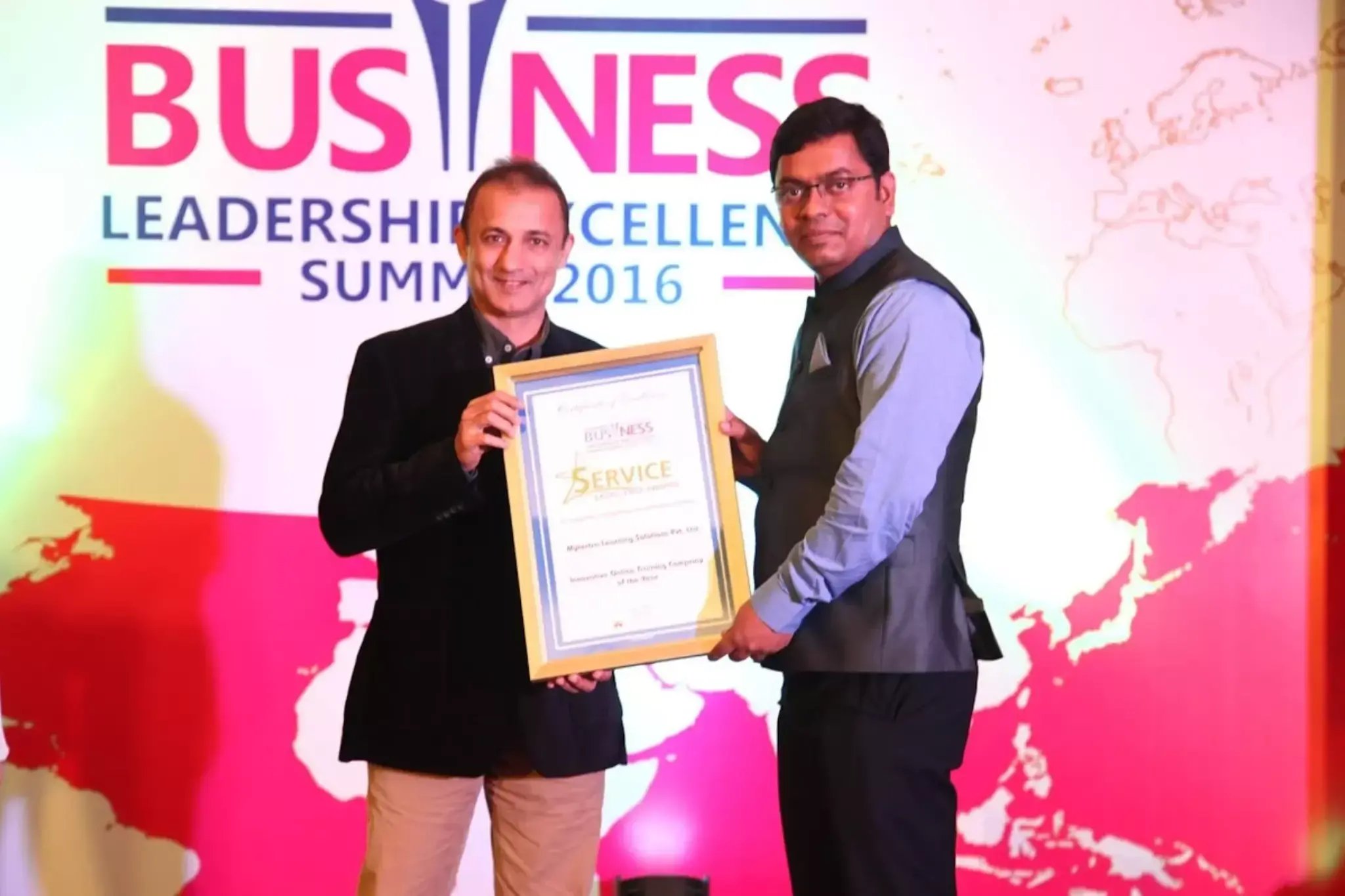
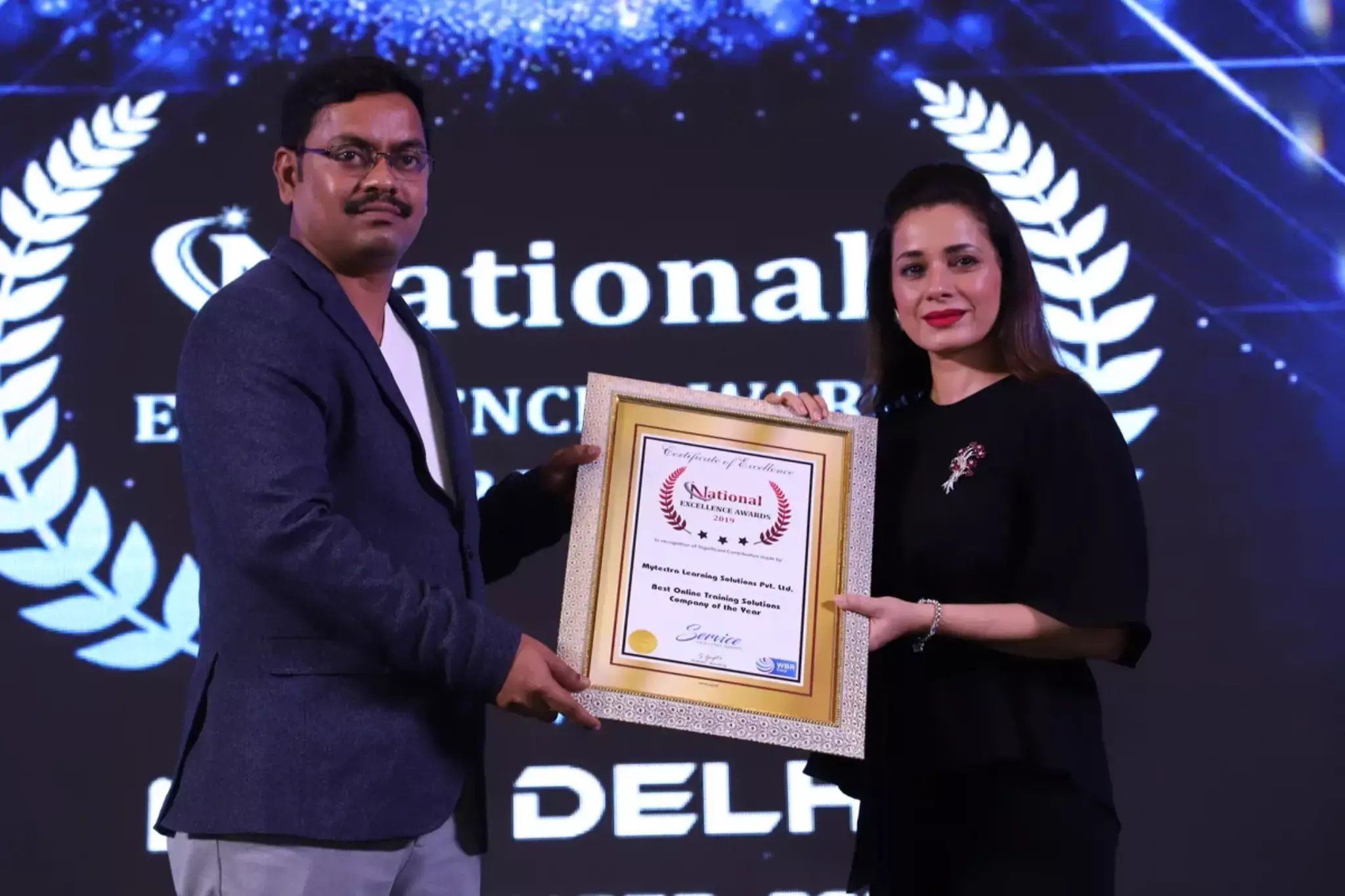
Learn Virtually Anywhere. Award-Winning Training Company.

High-Quality Training Awaits You

Join over 100000+ learners who have taken up training with myTectra. Get High-Quality Training, Certification, Best Price and 24/7 Customer Care.

Key Program Highlights:

  • Delivering top-notch education to equip you with essential skills.
  • Learn from industry experts with real-world experience.
  • A thorough curriculum covering all necessary topics.
  • Dedicated support to help you secure job placements.
  • High ratings reflecting our commitment to quality.
  • Hands-on experience through real-world projects.
  • Personalized, engaging learning for better outcomes.
awards-icon
Start Learning with the Best!
Join our award-winning courses today and take your skills to the next level.
Enroll Now!

About Program

myTectra Oracle HCM cloud training empowers trainees with the expertise that gives them an edge over their peers. It includes Oracle HCM fundamentals like functional setup manager, geographies, Enterprise HCM, position synchronization, legal address, and grade rates. Our Oracle Fusion HCM training includes real-time projects and industry-based scenarios to deliver a practical understanding of work schedules, absence plans, rate elements, donation plans, accrual plans, shared parental plans, and absence types.  Along with these, you will also master how to transform HR administrative functions like payroll, compensation, and time & labor.  Enroll in our Oracle HCM certification training to become a successful Oracle HCM Consultant.

Curriculum:

Global Human Resources

  1. Overview
  2. Introduction to the User Interface
  3. Working with Functional Setup Manager
  4. Enabling Offering and Functional areas for Implementation
  5. Defining Geographies
  6. Setting up Enterprise Structures and Enterprise Structure components(ESC)
  7. Reference Data sets and Business Units
  8. Job and Position Structures in ESC
  9. Managing Enterprise HCM Information
  10. Enabling position Synchronization
  11. Working with the Day Information and Number Generation
  12. Defining a Legal Address and Legal Entity
  13. Setting up Jobs, Position, Locations, Organizations, and Actions
  14. Defining Grades and Grade Rates
  15. Profile Options
  16. Approval Transactions and Workforce Tasklist 
  17. Person record values
  18. Administering workers, Add person and Managing employment in Global HR
  19. Using Directory, My team, and About Me work areas
  20. Updating personal information – Employee
  21. ESS and MSS
  22. Mass updates

PRACTICE:    

  • Creating an Implementation Project    
  • Defining a Legal Address    
  • Defining a Legal Entity    
  • Setting up an Employment Model and Linking a Legislative Data Group to Legal Entity    
  • Creating a Set ID    
  • Creating a Business Unit    
  • Mapping Business Unit Set Assignment to Reference Data Set    
  • Creating Location, Division, Department, and Action    
  • Creating an Organization Tree    
  • Creating a Collective Agreement    
  • Creating Grade, Grade Rate, Job, and Position    
  • Hiring an employee to test the setup    
  • Managing Calendar Events and Work schedules    
  • Create a working relationship and Manage employment    
  • Transfer, terminate, and Assign an area of responsibility  

Absence Management

  1. Overview
  2. Work Shifts and Work Patterns
  3. Work Schedule and Work Schedule Assignment
  4. Accrual Plan Attributes and Participation
  5. Absence Plans 
  6. Accrual Plan
  7. Accrual Plan Participation
  8. Eligibility Profiles
  9. Derived Factors
  10. Absence Plans and Payroll
  11. Qualification Plans, Attributes, and Participation
  12. Rate Definitions and Elements
  13. Absence Management Setup Framework
  14. Compensatory Plan
  15. Donation Plan
  16. Shared Parental(Agreement) Plan
  17. Absence Types and display features
  18. Absence Certifications
  19. Managing Absence records and entitlements
  20. Schedule and Monitor absence process

Practise:

  • Setting Up Basic Details for a Vacation Accrual Plan
  • Creating a Length of Service Derived Factor
  • Creating an Eligibility Profile
  • Associating the Eligibility Profile with the Vacation Plan
  • Creating Weekly Repeating Time Periods
  • Defining a Band Matrix for the Accrual Plan
  • Setting Adjustment Options for the Vacation Plan
  • Creating a Maternity Qualification Plan
  • Creating an Eligibility Profile for the Maternity Plan
  • Associating an Eligibility Profile with the Maternity Plan
  • Defining an Entitlement Matrix for the Qualification Plan
  • Activating the Absence Plans
  • Creating a Certification Requirement
  • Creating a Maternity Absence Type
  • Creating a Vacation Absence Type

Time & Labour

  1. Overview
  2. Managing elements and Creating a custom time attribute
  3. Value Sets
  4. Time Card Fields
  5. Repeating time periods
  6. Time consumer sets
  7. Time categories
  8. Layout Sets
  9. HCM Groups
  10. Worker Time entry Setup Profiles
  11. Time rules and rule sets
  12. Rule templates
  13. Worker time processing setup profiles
  14. Using Time and Labor with Payroll
  15. Configuring and processing time collection devices
  16. Administering Mass Time Reporting Approvals & Exceptions

PRACTICE:

  • Creating Custom Time Attribute
  • Assignment and Meal Taken Single-Attribute Time Card Fields
  • Editing the Hours Type (T&L) Time Card Field
  • Configuring the Absence and Payroll Layout Set
  • Creating the Include as Direct Member Group
  • Creating the Full-Time Regular and Grade for Supervisor Group
  • Creating the Weekly Payroll Worker Time Entry Setup Profile
  • Troubleshooting the Weekly Payroll Worker Time Entry Profile Assignment
  • Creating Repeating Time Periods
  • Creating the Payroll Time Consumer Set
  • Creating Time Categories
  • Creating Weekly Payroll Maximum and Minimum Time Entry Rules
  • Creating a Weekly Payroll Time Entry Rule Set
  • Creating a Daily Overtime Calculation Rule
  • Creating a Weekly Overtime Calculation Rule
  • Creating an Overtime Calculation Rule Set
  • Creating the Weekly Payroll Worker Time Processing Profile
  • Troubleshooting the Weekly Payroll Worker Time
  • Editing and Submitting the Saved Time Card
  • Adjusting Time Entries on a Time Card
  • Approving and Transferring Time Data to Global Payroll
  • Creating web clock buttons
  • Updating the Payroll Layout Set
  • Entering Time with the Web Clock
  • Generating and Viewing the Web Clock Time Card
  • Creating a Time Collection Device Supplier Lookup Code
  • Creating Supplier Device Event Lookup Codes
  • Creating Time Device Event Mappings
  • Creating a Time Device Event Mapping Set
  • Setting Shift Limits
  • Creating a Time Device Rule
  • Creating a Time Device Rule Set
  • Creating a Time Submission Rule and Rule Set
  • Creating a Time Device Processing Profile
  • Running the Export Time Device Data Configuration Process
  • Generating Time Events
  • Generating a Time Card with Time Device Events
  • Resolving Time Entry Exceptions
  • Finalizing and approving the time card

Payroll

a) Introduction
b) Pay Frequencies
   (i) Payroll Definitions
   (ii) Time Definitions
c) Payroll Elements
   (i) Elements Overview
   (ii) Input Values and Various Rules
   (iii) Payroll Deductions
d) Element Entries and Calculation Cards
e) Fast Formulas
   (i) User-Defined Tables and Fast formula Overview
   (ii) Creating Fast Formulas
f) Balances
   (i) Balance Definitions
   (ii) Balance Dimensions
   (iii) Balance Feeds
g) Calculate Payroll
h) Event Groups
i) Payment Methods
   (i) Personal Payment Method
   (ii) Third Parties
   (iii) Third-Party Payment Methods
j) Payroll Costing
k) Payroll Calculations
l) Payroll Batch Loader
m) Retroactive Changes
n) Balance Adjustments
o) Payslip Review
p) Object Groups
q) Payroll Flow Patterns
r) Payroll Business Definitions
s) Security for Payroll

PRACTICE:

  • Creating Consolidation Group
  • Creating Weekly and semi-monthly Payroll Definition
  • Hiring employees
  • Creating Shift earnings element
  • Creating Semi-monthly flex earnings element
  • Creating an on-call earnings element
  • Creating a fitness center deduction element
  • Creating a uniform deduction element
  • Creating element entries employees hired
  • Creating Calculation cards for an involuntary deduction
  • Creating a Balance definition
  • Updating a Balance definition for elements
  • Calculating weekly payroll and viewing results
  • Updating employee salary
  • Creating an organization, personal, third party payment methods
  • Creating Costing for the Semi-monthly Flex Element
  • Creating an Element and Payroll relationship group
  • Creating a Payroll Flo0w Pattern
  • Entering and transferring Batch data
  • Processing the payroll flow and verifying the payslips
  • Updating the salary and viewing the retroactive event
  • Adjusting a tax balance and viewing the adjusted balance
  • Calculating the Supplemental Bonus Payroll
  • Creating Element Entries for a Separate Payment

Compensation

a) Overview
b) Eligibility Profiles
c) Elements, Balances, and Formulas
d) Define and Manage Base Pay
    i) Grade Rate
    ii) Progression Grade Ladders
    iii) Manage Base Pay
    iv) Editing Salaries in the Integrated Workbook
e) Define and Manage individual compensation
    i) Using Actions with Base Pay and Compensation
    ii) Individual Compensation Plans
    iii) Compensation History
f) Workforce compensation plans
    i) Overview
    ii) Budgets
    iii) Worksheets
    iv) Models and reports
g) Total Compensation statements
h) Compensation Items
i) Statement definitions

Practise:

  • Creating the Min 1 Year of Service Derived Factor
  • Creating the FTE Eligibility Profile
  • Creating the Min 1 Year Eligibility Profile
  • Creating the Bonus Earnings Element
pdf-icon
Download the brochure
All details included
Download

Join the Course Now!

Path to Success

Learning Path

Master new skills to achieve your career goals.

Demo Session

Participate in a demo session for an overview of the course content. You will meet instructors and fellow learners, ask questions, and understand the teaching approach, helping you gauge the course’s relevance to your goals.

Enrollment

Complete your registration to join the course. You will gain access to the Learning Management System (LMS), where all materials, schedules, and resources are available, ensuring you’re ready to embark on your learning journey smoothly.

Live Classes

Engage in live classes led by experienced instructors covering core topics in depth. Interactive discussions and Q&A sessions encourage active participation, enhancing your understanding and retention of the material taught.

Hands-On Project

Complete a hands-on project that applies your learned skills in practical scenarios. This project simulates real-world challenges, allowing you to build a portfolio piece that showcases your competencies to potential employers.

Certification

After completing the course and project, you will receive a recognized certification that validates your expertise and enhances your professional credentials in your chosen field.

Career Support

Access career support services after certification, including resume workshops, interview preparation, and job placement assistance. These resources equip you with the tools needed to transition successfully into the workforce.

Clients Testimonials

Hear what our students say about myTectra

“I did the Python & Django course in myTectra. myTectra also gave me the opportunity to work on a real-time project which helped me a lot to get my concept throw. myTectra also provided me the placement in the company for the course I did in mytectra.”

prinjal
Prinjal
Python
“I am from Robert Bosch and have taken up Python Flask corporate training from myTectra. I am very much satisfied and happy with this customized training. The tutor was extremely helpful and flexible and provided the best insightful training.”

princy
Princy
Python Flask
“I have done Java Full Stack developer course in myTectra. myTectra has supported me in all possible ways. I have excellent knowledge of the course. mytectra has given all practical knowledge with real-time problems and examples”

sunita
Sunitha
Java Full Stack Developer

Hear from Our Successful Learners!

Discover how myTectra transformed their careers—your success story could be next!

Course Features

Expert Trainers

Courses are delivered by experienced working professionals and subject matter experts with real-world experience.

Hands-On Training

We provide learners with practical experience through real-world scenarios, projects, and interactive exercises.

Customizable Corporate Training

Tailored training solutions designed to meet the specific needs of organizations and teams.

Certifications & Assistance

Certifications offered by myTectra align with international standards and we also help you to prepare for globally recognized certifications.

Global Recognition

Trusted by individuals and enterprises worldwide, with a track record of successful alumni and partnerships.

24 x 7 Expert Support

We have a 24x7 online support team to resolve all your technical queries, through a ticket-based tracking system, for a lifetime.

Gain prestigious credentials and recognition

mytectra-certificate


Global Accreditation
Recognized Credentials

Start Learning Today. Access Your Resources for a Lifetime!

Enjoy lifetime access to myTectra’s Learning Management System (LMS), including session recordings, study materials, and resources. This ensures continuous learning and easy reference to course content even after completion.

Lifetime Access
24/7 Assistance

Resume Preparation Made Professional and Impactful

Get expert guidance in crafting a professional and impactful resume. myTectra’s resume-building support helps highlight your strengths, certifications, and skills effectively, increasing your chances of landing your dream job.

Job-Ready Resume
Resume That Stands

Prepare for Success with Expert Mock Interviews

Prepare for real-world interviews with personalized mock interview sessions conducted by industry experts. Receive feedback on your performance, learn key interview techniques, and gain the confidence to succeed in job interviews.

Simulate Real Interviews
Boost Your Confidence

FAQs

How do I contact myTectra for Corporate Training?

Would you like to reach us for the training for your team? Please fill the below form. We will get back to as soon as possible.

Will I get placement assistance?

myTectra is providing 100% placement assistance on our key courses. We help you with the career counselling, Exams on Key courses, Mock Interviews and Technical Interviews Tips.

Landing an interview proves that you have the job-specific skills for the position, but how do your interview skills stack up? Also, Soft skills are often the most important factor in showing you're the best candidate for the job.

Hence we are conducting FREE TRAINING on Soft-Skills worth Rs-25, 000 to all myTectra students which will help you to attend the interviews with more confidence. 

What if I miss a class?

You will never miss a lecture at myTectra. You can choose either of the two options:

Classroom Training:

  • If you miss one or few classes we can give a backup class based on trainer and your convenient time. 
  • In case if you miss many classes, we can reschedule your class with upcoming batches or other running batches based on how many courses topics you have completed so far.

Live-Online Training:

  • View the recorded session of the class available in your LMS.
  • You can attend the missed session, in any other live batch.
Can I attend a demo session before enrollment?

Yes. We arrange a free demo for all the courses either in the Classroom or Live-Online demo. Please fill the demo request form below to schedule a free demo.

What if I have more queries?

Just give us a CALL at +918047112411 OR email at support@mytectra.com

What are the payment options?
Payments can be made using any of the following options and a receipt of the same will be issued to you automatically via email for both classroom training and Online training.
 
  • Visa Debit/Credit Card
  • American Express and Diners Club Card
  • Master Card
  • PayPal
  • Net Banking/Wire Transfer
  • UPI Payment such as Google Pay, PhonePe, Paytm
  • Cash/Cheque/DD ( Not for Online Training )
Where do the classes take place?

For Individual: 

Classroom Training - Bangalore

Live-Online Training - Globally 

For Corporates: 

Classroom Training - We deliver classroom training for corporate in more than 20 countries. Send us an Enquiry Now!

Online Training - Globally

* All of the classes are conducted live online. They are interactive sessions that enable you to ask questions and participate in discussions during class time. We do, however, provide recordings of each session you attend for your future reference.

Who are the Trainers?

Our Trainer’s are chosen not only for their knowledge and expertise but also for their real-time experience in the respective courses.

Back to top
Ready to Start

Become a Certified Oracle Fusion HCM Professional with myTectra’s Training Programs

Related Programs

Adobe Customer Journey Analytics
4k+ LearnersLearn more →
Adobe Experience Platform
5k+ LearnersLearn more →
Adobe Experience Manager
10k+ LearnersLearn more →
Adobe Real-Time CDP
1k+ LearnersLearn more →
Adobe Analytics
7k+ LearnersLearn more →
Adobe Campaign Classic
8k+ LearnersLearn more →
Adobe Campaign
7k+ LearnersLearn more →
Adobe Target
2k+ LearnersLearn more →
Adobe Launch
2k+ LearnersLearn more →
Adobe Commerce (Magento)
2k+ LearnersLearn more →
Adobe Marketo Engage
2k+ LearnersLearn more →
Adobe Workfront Training
1k+ LearnersLearn more →
Adobe Audience Manager
1k+ LearnersLearn more →

Career Services

subscribe-mytectra
placement-icons
Placement Assistance
job-portal-icon
Exclusive access to myTectra Job portal
mock-interview-icon
Mock Interview Preparation
linkedin-icon
Resume & LinkedIn Profile Building
soft-skill
Access to Soft Skill Enhancement
career-guidance-icon
One-on-one career guidance

Land Your Dream Job Like Our Alumni

Related Blogs

Explore Insights and Tips for Oracle Fusion HCM Training

Mastering Oracle Fusion HCM: A Comprehensive Training Guide

Mastering Oracle Fusion HCM: A Comprehensive Training Guide

Mar 30, 2023 10:16:16 PM 2 min read
Everything you know about Oracle Fusion HCM Training


Everything you know about Oracle Fusion HCM Training

Mar 29, 2023 4:58:52 PM 4 min read

Find Oracle Fusion HCM Course in Other Cities

Oracle Fusion HCM Training in Bangalore

Yes, myTectra offers Classroom Training in Bangalore on Oracle Fusion HCM and Live-Online Training globally.

Oracle Fusion HCM Online Training

Yes, myTectra provides Live Online Training on Oracle Fusion HCM for learners across the globe.

Oracle Fusion HCM Training in Marathahalli

Yes, myTectra offers Classroom Training in Marathahalli - Bangalore on Oracle Fusion HCM and Live-Online Training globally.

Best Oracle Fusion HCM Institute in Bangalore

Yes, myTectra provides the best Classroom Training in Bangalore on Oracle Fusion HCM and Live-Online Training globally.

Oracle Fusion HCM Training in BTM

Yes, myTectra offers Classroom Training in BTM Layout 2nd Stage - Bangalore on Oracle Fusion HCM and Live-Online Training globally.

Professional Oracle Fusion HCM Training with Certification

Yes, myTectra provides Professional Oracle Fusion HCM Training in Bangalore with certification, along with Live-Online Training globally, equipping you with the skills to manage and optimize human capital management processes effectively.