Share this course’s details with your family and friends.
iOS Apps Development with Swift Programming Training
iOS Apps Development With Swift Programming Training in Bangalore Offered by myTectra is the most powerful iOS Apps development with Swift Programming Training ever offered with Top Quality Trainers, Best Price, Certification, and 24/7 Customer Care.
Learn Virtually Anywhere. Get Started iOS Apps Development with Swift Programming Online Training Now!
20% Limited Time Offer
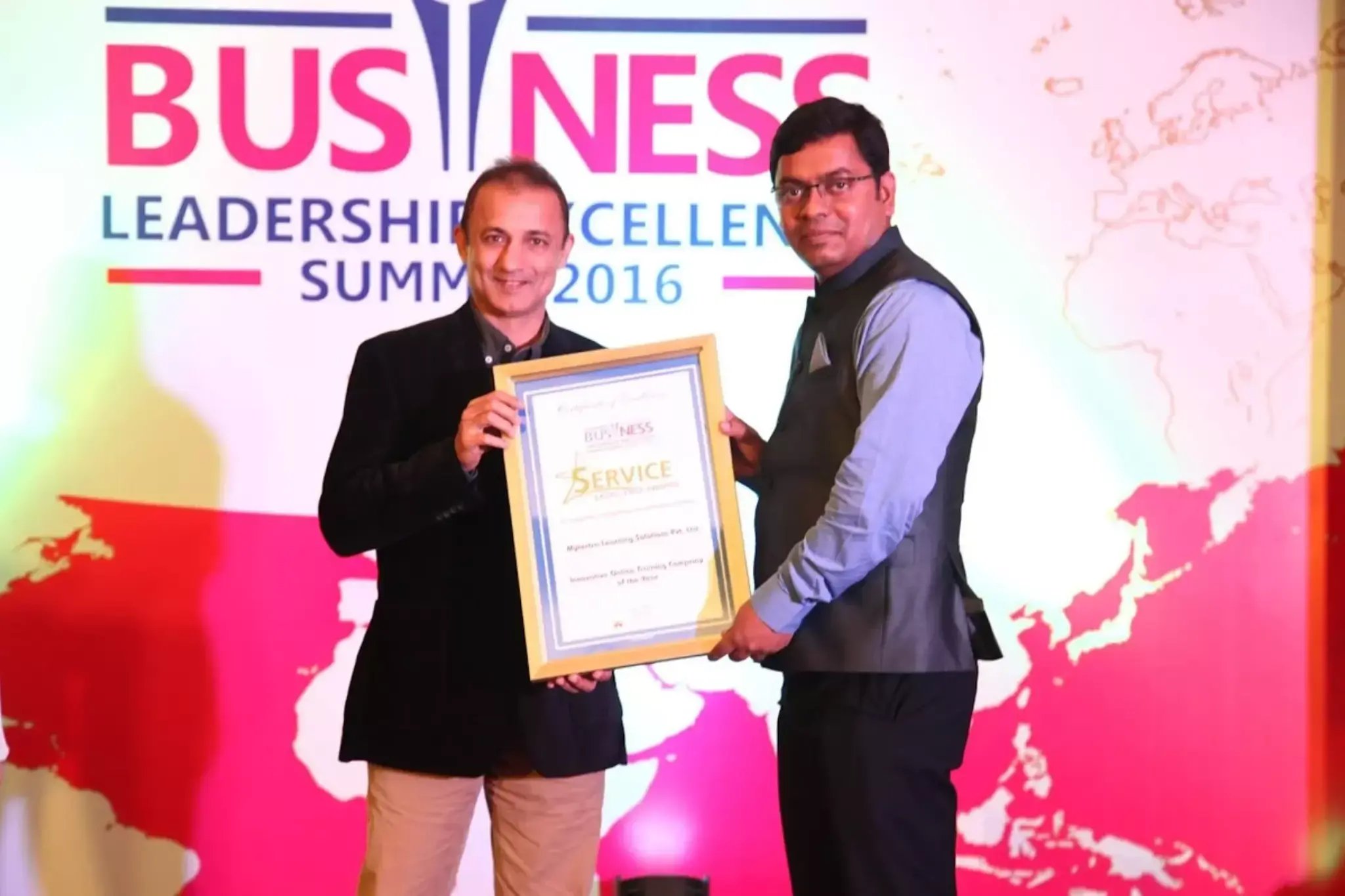
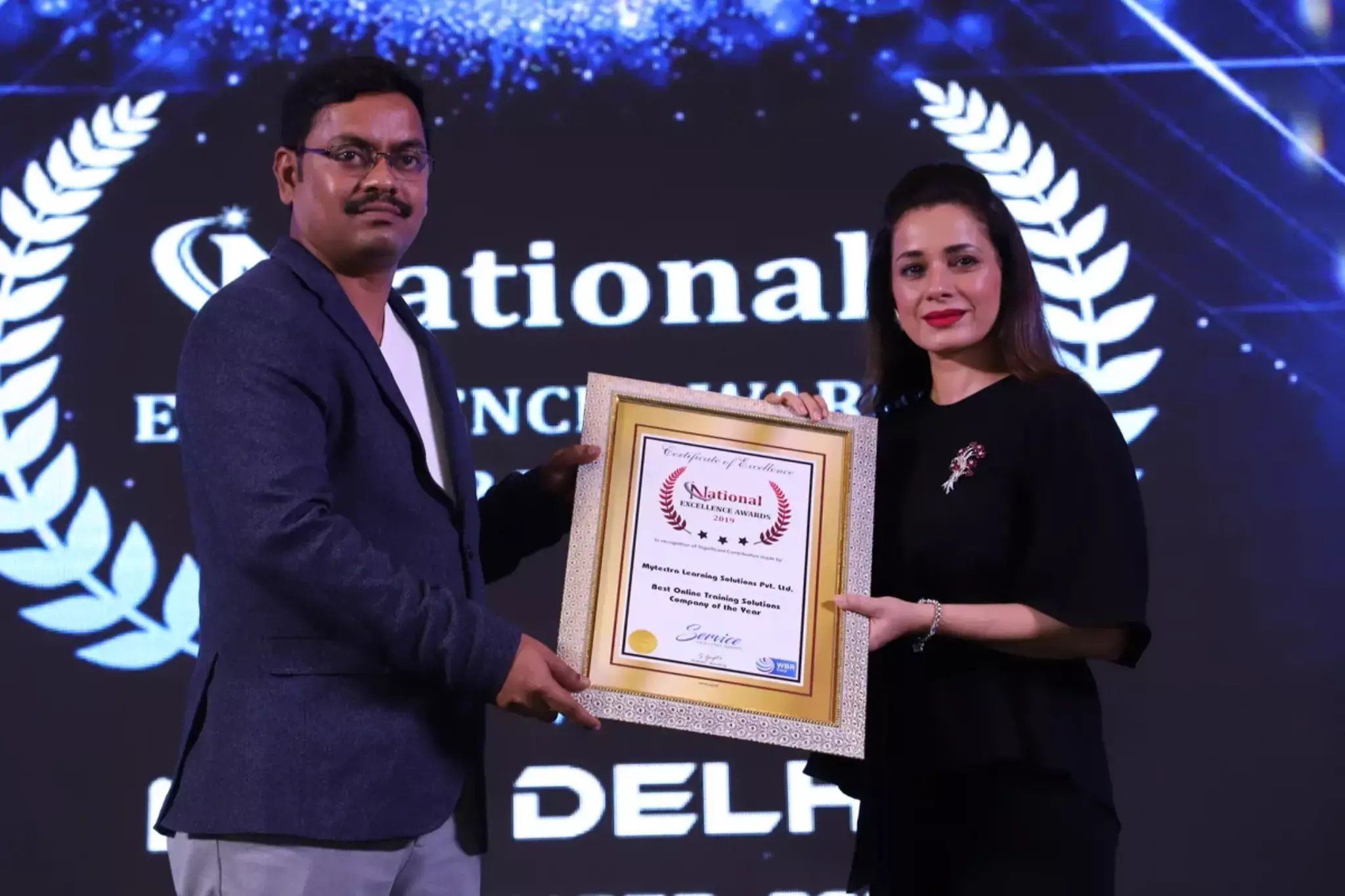
Learn Virtually Anywhere. Award-Winning Training Company.
High-Quality Training Awaits You
Join over 100000+ learners who have taken up training with myTectra. Get High-Quality Training, Certification, Best Price and 24/7 Customer Care.
Key Program Highlights:
- Delivering top-notch education to equip you with essential skills.
- Learn from industry experts with real-world experience.
- A thorough curriculum covering all necessary topics.
- Dedicated support to help you secure job placements.
- High ratings reflecting our commitment to quality.
- Hands-on experience through real-world projects.
- Personalized, engaging learning for better outcomes.
About Program
This Course covers the fundamentals of iOS application development in the Swift programming language. You’ll learn to use development tools such as XCode, design interfaces and interactions and evaluate their usability, and integrate camera, photo, and location information to enhance your app.
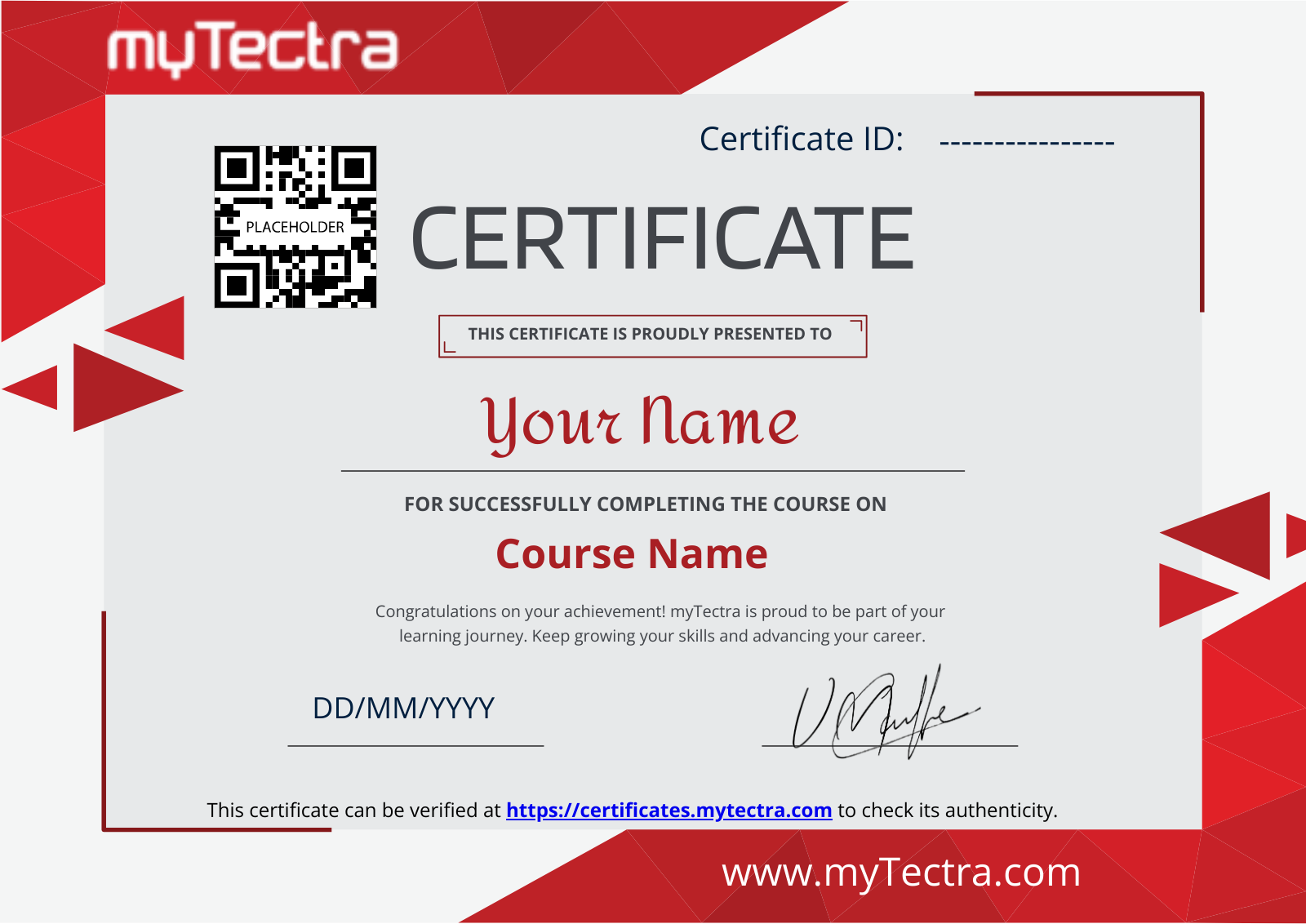
At the End of the training, you will also receive Certification and official course material issued by myTectra. Let's start your career.
Curriculum:
Introducing Swift:
- About Swift
- XCode Overview
- Projects and Playgrounds
- Basic Swift Syntax
Data Types:
- Primitives
- Integers, Floats, Booleans, Tuples
- Working with strings
- Constants and Variables
- Literals
- Type Aliases
- Optional
Basic Syntax:
- Math and Logic operations
- Defining Arrays and Collections
- Controlling Program Flow with conditionals and loops
- Enumerations
- Nested Types
Functions and Closures:
- Defining a Function
- Passing parameters
- Returning single and multiple return values
- Parameter Naming
- Variadic, constant, variable and In-Out parameters
- Closures
Classes and Structures:
- Value types explained
- Defining structures
- Assigning structure instances
- Reference Types
- Defining Classes
- Differences between Value and reference types and when to use
- Setting up Initializers and de-initializers
Properties in detail:
- Stored Properties
- Lazy and Computed properties
- Working with Property Observers
- Encapsulation?
Methods:
- Defining Instance and Type Methods
- Method naming
- Mutating Methods
- Subscripts
Using Inheritance and Polymorphism:
- Creating Subclasses
- Overriding Methods, Properties, and Observers
- Initialization of inherited types - Chaining
- Casting and subtype polymorphism
Automatic Reference Counting:
- ARC Under the hood
- Strong and Weak references
- Unowned references
- ARC and Closures
Protocols and Extensions:
- What is a protocol
- Implementing a protocol
- Delegation
- Protocol Inheritance
- Checking conformance
- Extending types with Extensions
Generics:
- Why Generics
- Generic Functions
- Generic Types
- Constraints
Getting Started:
- Registering as an Apple developer
- Apple iOS Developer Program
Environment Setup:
- Interface Builder
- iOS simulator
First iPhone Application:
- Digging deep into the code of the First iOS application
Actions And Outlets:
- Steps Involved
UI Elements:
- How to add UI elements
- Our Focus
- Our Approach
- List of UI elements
- Use of text field
- Important properties of text field are
- Updating properties in xib
- Text field delegates
- Steps in using delegates
- Sample code and steps
- Why Input types?
- Keyboard Input types
- Add a custom method addTextFieldWithDifferentKeyboard
- Update viewDidLoad in ViewController.m as follows
- Output
- Buttons
- Label
- Tool bar
- Status Bar
- Navigation Bar
- Tab bar
- Image View
- Scroll View
- Table View
- Split View
- Text View
- View Transition
- Pickers
- Switches
- Sliders
- Alerts
- Icons
Accelerometer:
- Introduction
- Steps Involved
- Output
Universal Applications:
- Introduction
- Steps Involved
- Output
Camera Management:
- Introduction
- Steps Involved
- Output
Location Handling:
- Introduction
- Steps Involved
- Output
SQLite Database:
- Introduction
- Steps Involved
- Output
Sending Email:
- Introduction
- Steps Involved
- Output
Audio And Video:
- Introduction
- Steps Involved
- Note
- Output
File Handling:
- Methods used in File Handling
- Check if file exists at a path
- Comparing two file contents
- Check if writable, readable and executable
- Move file
- Copy file
- Remove file
- Read file
- Write file
- What next?
Accessing Maps:
- Introduction
- Output
In-App Purchase:
- Introduction
- Steps Involved
- Note
- Output
IAD Integration:
- Introduction
- Steps Involved
- Output
GameKit:
- Introduction
- Steps Involved
- Output
Storyboards:
- Introduction
- Steps Involved
- Output
Auto Layout:
- What we did here?
- Output
Twitter And Facebook:
- Output
Memory Management:
- Problems faced
- Memory Management rules
- Handling memory in ARC
- Using memory management tools
- Steps for analyzing memory allocations
Application Debugging:
- Selecting a Debugger
- How to find coding mistakes?
- Set Breakpoints
Understanding Swift:
- Introduction to Swift
- Introduction to XCode IDE
- Structure of Swift program
- Compiling and building a Hello world
- Swift Playground, Basic Syntax
- Variables and data types
- Structs and Classes.
Getting Started with Swift:
- Working with collections
- Protocols and Extensions, Generics
- Tuple, Functions
- Subscripts, Closures
- Automatic Reference Counting
iOS Development Basics:
- Installing XCode and iOS SDK
- Understanding XCode
- Creating a simple iOS app
- Project templates
- Introduction to pillars of iOS app development-Tools-XCode, iOS Simulator, Instruments
- Language- Swift, Design patterns, frameworks, Design-CorrectUI, AppleHIG, Testing, Provisioning, Signing, Submitting, Using iOS Simulator, MVC pattern in iOS app development
Storyboard Controllers and Layouts:
- The lifecycle of iOS Application
- Understanding Delegation
- iOS View Controllers, Creating UI
- Introduction to Layout and Views
- Designing responsive interfaces with Auto layout
- Create a sample UI
- Walkthrough of controllers
- Debugging iOS application
TableView, CollectionView & Various View Controllers:
- Introduction to Table View
- Creating a basic table view and data source
- Loading data into TableView
- Reusing table view cells, Customizing table views
- UI CollectionView
- UI RefreshControl
- Introduction to multiple-view applications
- Using the navigation controller
- Introduction to a master-detail application
- Creating a tab-bar-driven application
- UI PageViewController
Universal App, Size Classes & Camera:
- UISplitViewController
- Master-detail application
- Using Size Classes for Adaptive Layout
- Using Camera & Gallery to Capture Images
Animation, Location, Maps & Social Sharing:
- Animations- Core Animation, UIKit Dynamics, Facebook Pop Animation, Working with Maps- MKMapItem and MKPlacemark, CLLocationManager, MKMapView, UIActivityViewController to perform Social Sharing
JSON Handling, Network Operation & Image Caching:
- Networking with Alamofire
- SwiftyJSON & HanekeSwift
- Introduction to networking in iOS application, Adding/Managing frameworks using Carthage
- JSON Handling using SwiftJSON
- Performing Networking using Alamofire
- Downloading & Caching images using HanekeSwift
Data Persistence and Storage:
- iOS data persistence
- Using NS User Defaults to store and read information
- Property Lists-Working with Core data, Introduction to Core Data, Creating models with entities, Saving models, Fetching model, Edit and remove models
- Sample application implementing Core data
CloudKit, Parse and Submitting Apps to App Store:
- Implementing CloudKit Storage
- Interact with Parse backend
- Localizing Application
- Submitting an App to Apple App Store.
Join the Course Now!
Learning Path
Master new skills to achieve your career goals.
Demo Session
Participate in a demo session for an overview of the course content. You will meet instructors and fellow learners, ask questions, and understand the teaching approach, helping you gauge the course’s relevance to your goals.
Enrollment
Complete your registration to join the course. You will gain access to the Learning Management System (LMS), where all materials, schedules, and resources are available, ensuring you’re ready to embark on your learning journey smoothly.
Live Classes
Engage in live classes led by experienced instructors covering core topics in depth. Interactive discussions and Q&A sessions encourage active participation, enhancing your understanding and retention of the material taught.
Hands-On Project
Complete a hands-on project that applies your learned skills in practical scenarios. This project simulates real-world challenges, allowing you to build a portfolio piece that showcases your competencies to potential employers.
Certification
After completing the course and project, you will receive a recognized certification that validates your expertise and enhances your professional credentials in your chosen field.
Career Support
Access career support services after certification, including resume workshops, interview preparation, and job placement assistance. These resources equip you with the tools needed to transition successfully into the workforce.
Clients Testimonials
Hear what our students say about myTectra
Hear from Our Successful Learners!
Discover how myTectra transformed their careers—your success story could be next!
Course Features
Expert Trainers
Courses are delivered by experienced working professionals and subject matter experts with real-world experience.
Hands-On Training
We provide learners with practical experience through real-world scenarios, projects, and interactive exercises.
Customizable Corporate Training
Tailored training solutions designed to meet the specific needs of organizations and teams.
Certifications & Assistance
Certifications offered by myTectra align with international standards and we also help you to prepare for globally recognized certifications.
Global Recognition
Trusted by individuals and enterprises worldwide, with a track record of successful alumni and partnerships.
24 x 7 Expert Support
We have a 24x7 online support team to resolve all your technical queries, through a ticket-based tracking system, for a lifetime.
Gain prestigious credentials and recognition
Start Learning Today. Access Your Resources for a Lifetime!
Enjoy lifetime access to myTectra’s Learning Management System (LMS), including session recordings, study materials, and resources. This ensures continuous learning and easy reference to course content even after completion.
Resume Preparation Made Professional and Impactful
Get expert guidance in crafting a professional and impactful resume. myTectra’s resume-building support helps highlight your strengths, certifications, and skills effectively, increasing your chances of landing your dream job.
Prepare for Success with Expert Mock Interviews
Prepare for real-world interviews with personalized mock interview sessions conducted by industry experts. Receive feedback on your performance, learn key interview techniques, and gain the confidence to succeed in job interviews.
FAQs
Would you like to reach us for the training for your team? Please fill the below form. We will get back to as soon as possible.
myTectra is providing 100% placement assistance on our key courses. We help you with the career counselling, Exams on Key courses, Mock Interviews and Technical Interviews Tips.
Landing an interview proves that you have the job-specific skills for the position, but how do your interview skills stack up? Also, Soft skills are often the most important factor in showing you're the best candidate for the job.
Hence we are conducting FREE TRAINING on Soft-Skills worth Rs-25, 000 to all myTectra students which will help you to attend the interviews with more confidence.
You will never miss a lecture at myTectra. You can choose either of the two options:
Classroom Training:
- If you miss one or few classes we can give a backup class based on trainer and your convenient time.
- In case if you miss many classes, we can reschedule your class with upcoming batches or other running batches based on how many courses topics you have completed so far.
Live-Online Training:
- View the recorded session of the class available in your LMS.
- You can attend the missed session, in any other live batch.
Yes. We arrange a free demo for all the courses either in the Classroom or Live-Online demo. Please fill the demo request form below to schedule a free demo.
Just give us a CALL at +918047112411 OR email at support@mytectra.com
- Visa Debit/Credit Card
- American Express and Diners Club Card
- Master Card
- PayPal
- Net Banking/Wire Transfer
- UPI Payment such as Google Pay, PhonePe, Paytm
- Cash/Cheque/DD ( Not for Online Training )
For Individual:
Classroom Training - Bangalore
Live-Online Training - Globally
For Corporates:
Classroom Training - We deliver classroom training for corporate in more than 20 countries. Send us an Enquiry Now!
Online Training - Globally
* All of the classes are conducted live online. They are interactive sessions that enable you to ask questions and participate in discussions during class time. We do, however, provide recordings of each session you attend for your future reference.
Our Trainer’s are chosen not only for their knowledge and expertise but also for their real-time experience in the respective courses.
Kickstart Your iOS App Development Career with Swift Training from myTectra
Related Programs
Career Services
Placement Assistance
Exclusive access to myTectra Job portal
Mock Interview Preparation
Resume & LinkedIn Profile Building
Access to Soft Skill Enhancement
One-on-one career guidance

Related Blogs
Explore Insights and Tips for iOS Apps Development with Swift Programming

Building Your Dream Career: A Guide to Becoming a Successful iOS Developer

Debunking the Myth: The Continued Importance of iOS Native Development Amidst the Rise of Hybrid Apps

Everything you need to know about iOS Apps Development training
Find iOS Apps Development with Swift Programming Course in Other Cities
iOS App Development with Swift Training in Bangalore
Yes, myTectra offers Classroom Training in Bangalore on iOS App Development with Swift and Live-Online Training globally.
iOS App Development with Swift Online Training
Yes, myTectra provides Live Online Training on iOS App Development with Swift for learners across the globe.
iOS App Development with Swift Training in Marathahalli
Yes, myTectra offers Classroom Training in Marathahalli - Bangalore on iOS App Development with Swift and Live-Online Training globally.
Best iOS App Development with Swift Institute in Bangalore
Yes, myTectra provides the best Classroom Training in Bangalore on iOS App Development with Swift and Live-Online Training globally.
iOS App Development with Swift Training in BTM
Yes, myTectra offers Classroom Training in BTM Layout 2nd Stage - Bangalore on iOS App Development with Swift and Live-Online Training globally.
Professional iOS App Development with Swift Training & Certification
Yes, myTectra provides Professional iOS App Development with Swift Training in Bangalore with certification, along with Live-Online Training globally, helping you build robust and user-friendly iOS applications.