Share this course’s details with your family and friends.

Excel VBA Training
Excel VBA Training in Bangalore Offered by myTectra is the most powerful Excel VBA Training ever offered with Top Quality Trainers, Best Price, Certification, and 24/7 Customer Care. Learn Virtually Anywhere. Get Started Excel VBA Online Training Now!
20% Limited Time Offer
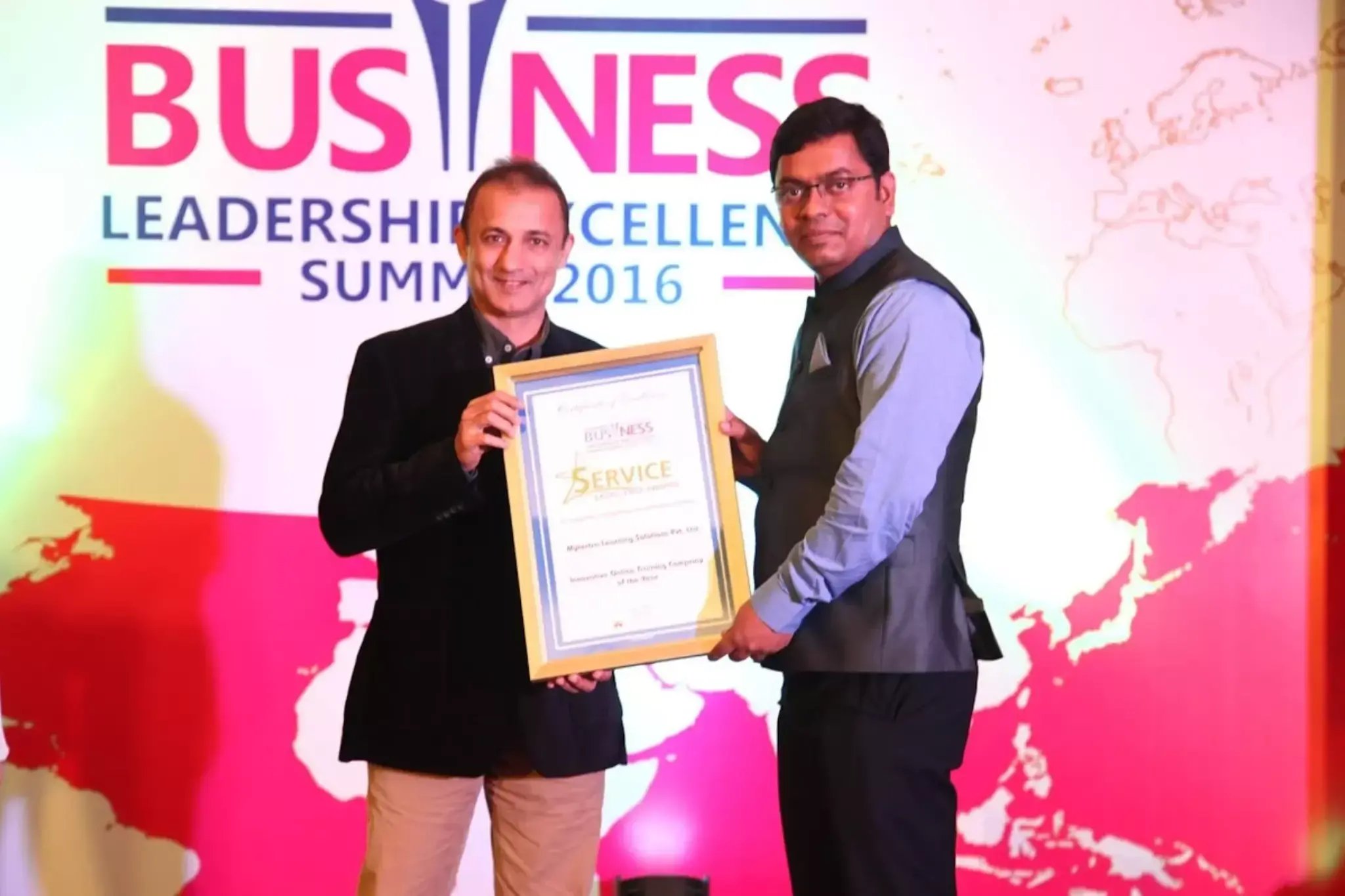
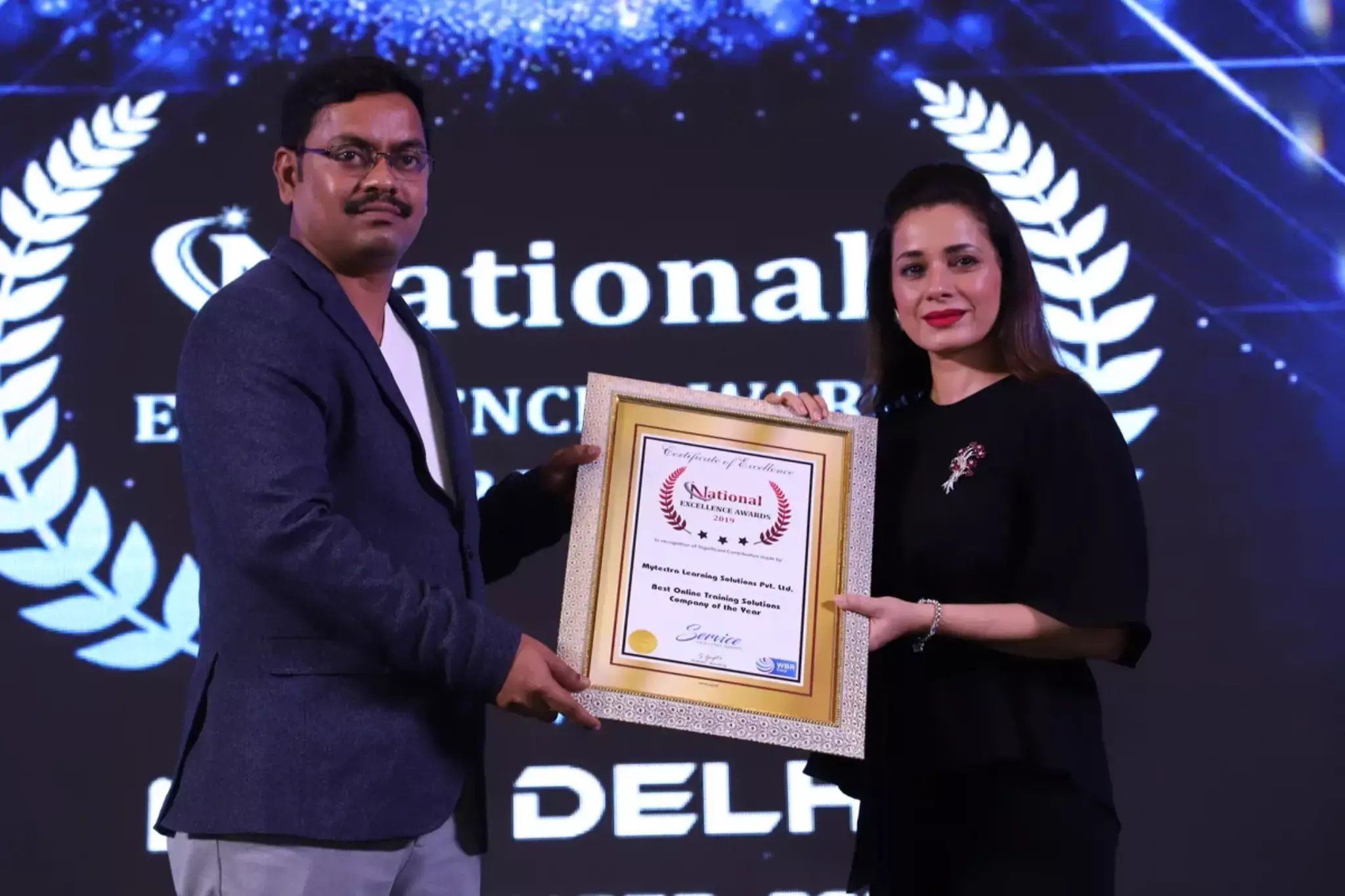
Learn Virtually Anywhere. Award-Winning Training Company.
High-Quality Training Awaits You
Join over 100000+ learners who have taken up training with myTectra. Get High-Quality Training, Certification, Best Price and 24/7 Customer Care.
Key Program Highlights:
- Delivering top-notch education to equip you with essential skills.
- Learn from industry experts with real-world experience.
- A thorough curriculum covering all necessary topics.
- Dedicated support to help you secure job placements.
- High ratings reflecting our commitment to quality.
- Hands-on experience through real-world projects.
- Personalized, engaging learning for better outcomes.
About Program
myTectra is to provide Excel VBA training in Bangalore to make the people expert in Excel VBA. Our training in Excel VBA which is conducted in Bangalore helps people to automate many of their tasks in the areas of data analysis, reporting and in making perfect Financial Models.
myTectra expert instructors will highlight the Key topics from Excel VBA Training based on the questions that can be asked by the interviewer during the job selection process this provides confidence to the students while facing job interviews.
Curriculum:
Introduction:
- Event-oriented programming
- How to add Developer Tab into your Excel instance
- Code Window, Properties Window, Project Explorer, Tool Bars
Variables And Constants:
- Objects -Properties and Methods
- Variables
- Data Types
- Difference between variables and Objects
Option Explicit:
- Explicit variable declarations using the Option Explicit statement
- Implicit variable declarations
Variables And Scoping:
- Scope Of Variables in Sheets, User Forms, Modules
VBA Functions:
- Built-in Functions
- Sending Messages To The User, Lcase, Ucase, Len, Trim, Format etc
Conditional Branching:
- The If Statement, Using If For Single Conditions
- Using If For Multiple Conditions, If Then Else End If, If Then Else ElseIfEnd If, The Select
- Case Statement
User Defined Procedures And Functions:
- Creating and calling User-Defined Procedures and Functions
- Modifying Procedures and Functions
Iterations (Loops):
- Iterations -FOR Loops
- While ...Do...Until... Loop Statements for looping With Known Or Specified number of iterations
- Endless Loop for Unknown Iterations by using Exit Do statement
- Error Handling
- Error Handling and how it differs from Validation
- Creating Error Handlers In Event Procedures
- Technique to get user input by using The InputBox
- Using The Resume statement, Resume Next statement
- Using The Err Object to get more information about errors
- User Defined Errors by using Raise method
Validations:
- Validation
- Validation using Text Box Events
- Validation on Save using Button
List Boxes:
- Adding List Boxes to A Form
- Simple List Boxes and Multiple List Boxes
Check Boxes, Option Buttons, Frame:
- Adding Controls such as Text Boxes, Labels, Combo Box, Option Buttons, Check Boxes, Coding on various events
- Adding Different Sets of Option Buttons to a Form without mismatch of options by using Frame Control
- Important properties, methods and events of the above controls
Debugging:
- Run Time, Design Time, and Break Mode
- Debugging Techniques such as stepping into, stepping over, and stepping out Run
- Run To Cursor
- Set Next Statement
- Quick Watch and Three types of watches
File System Objects:
- File System Objects (FSO/Microsoft Scripting Runtime Object) Exploring files and folders,interactionof excel file with withText files as well as excel files using FSO method
Multiple Forms, Form Events:
- Programming User Forms by Handling Form Events
- Handling multiple forms
Workbooks Properties And Methods:
- Workbook Methods And Properties, Worksheet Methods And Properties
Range Object Properties And Methods:
- Using Range Objects
- Range Methods And Properties
- Manipulating worksheets and data in the worksheets within same workbook
- Manipulating worksheets and data in the worksheets in different workbooks
Collections
- Collections
- User controls, Forms, Workbooks, Worksheets, Folders, Files
Arrays:
- Simple Arrays, Dynamic Arrays
Formatting Cells, Formulas:
- FormattingCells, Colors, Font etc
Application Object:
- Screen updating, DislayAlerts, Dialog box
Join the Course Now!
Learning Path
Master new skills to achieve your career goals.
Demo Session
Participate in a demo session for an overview of the course content. You will meet instructors and fellow learners, ask questions, and understand the teaching approach, helping you gauge the course’s relevance to your goals.
Enrollment
Complete your registration to join the course. You will gain access to the Learning Management System (LMS), where all materials, schedules, and resources are available, ensuring you’re ready to embark on your learning journey smoothly.
Live Classes
Engage in live classes led by experienced instructors covering core topics in depth. Interactive discussions and Q&A sessions encourage active participation, enhancing your understanding and retention of the material taught.
Hands-On Project
Complete a hands-on project that applies your learned skills in practical scenarios. This project simulates real-world challenges, allowing you to build a portfolio piece that showcases your competencies to potential employers.
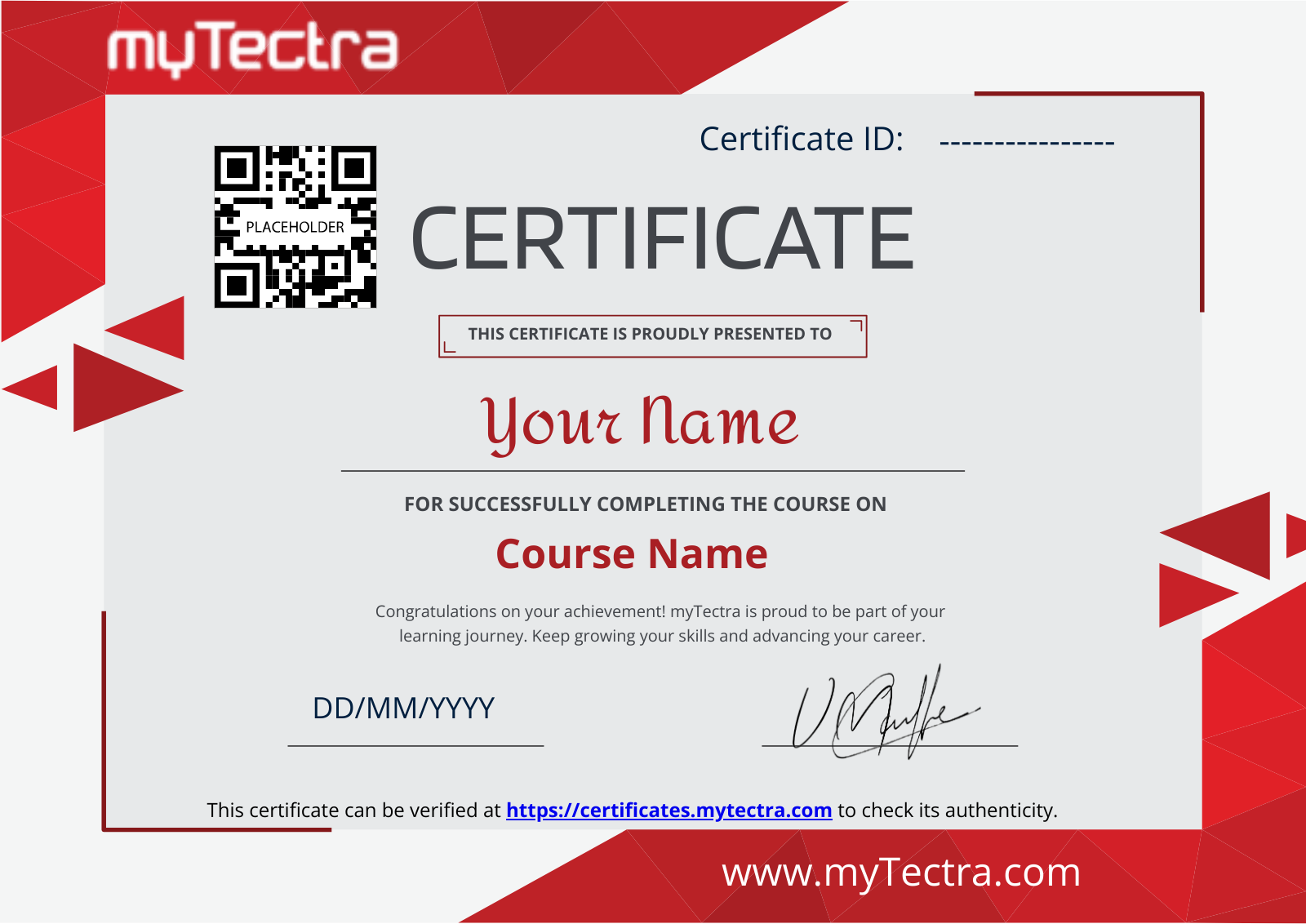
Certification
After completing the course and project, you will receive a recognized certification that validates your expertise and enhances your professional credentials in your chosen field.
Career Support
Access career support services after certification, including resume workshops, interview preparation, and job placement assistance. These resources equip you with the tools needed to transition successfully into the workforce.
Clients Testimonials
Hear what our students say about myTectra
Hear from Our Successful Learners!
Discover how myTectra transformed their careers—your success story could be next!
Course Features
Expert Trainers
Courses are delivered by experienced working professionals and subject matter experts with real-world experience.
Hands-On Training
We provide learners with practical experience through real-world scenarios, projects, and interactive exercises.
Customizable Corporate Training
Tailored training solutions designed to meet the specific needs of organizations and teams.
Certifications & Assistance
Certifications offered by myTectra align with international standards and we also help you to prepare for globally recognized certifications.
Global Recognition
Trusted by individuals and enterprises worldwide, with a track record of successful alumni and partnerships.
24 x 7 Expert Support
We have a 24x7 online support team to resolve all your technical queries, through a ticket-based tracking system, for a lifetime.
Gain prestigious credentials and recognition
Start Learning Today. Access Your Resources for a Lifetime!
Enjoy lifetime access to myTectra’s Learning Management System (LMS), including session recordings, study materials, and resources. This ensures continuous learning and easy reference to course content even after completion.
Resume Preparation Made Professional and Impactful
Get expert guidance in crafting a professional and impactful resume. myTectra’s resume-building support helps highlight your strengths, certifications, and skills effectively, increasing your chances of landing your dream job.
Prepare for Success with Expert Mock Interviews
Prepare for real-world interviews with personalized mock interview sessions conducted by industry experts. Receive feedback on your performance, learn key interview techniques, and gain the confidence to succeed in job interviews.
FAQs
Would you like to reach us for the training for your team? Please fill the below form. We will get back to as soon as possible.
myTectra is providing 100% placement assistance on our key courses. We help you with the career counselling, Exams on Key courses, Mock Interviews and Technical Interviews Tips.
Landing an interview proves that you have the job-specific skills for the position, but how do your interview skills stack up? Also, Soft skills are often the most important factor in showing you're the best candidate for the job.
Hence we are conducting FREE TRAINING on Soft-Skills worth Rs-25, 000 to all myTectra students which will help you to attend the interviews with more confidence.
You will never miss a lecture at myTectra. You can choose either of the two options:
Classroom Training:
- If you miss one or few classes we can give a backup class based on trainer and your convenient time.
- In case if you miss many classes, we can reschedule your class with upcoming batches or other running batches based on how many courses topics you have completed so far.
Live-Online Training:
- View the recorded session of the class available in your LMS.
- You can attend the missed session, in any other live batch.
Yes. We arrange a free demo for all the courses either in the Classroom or Live-Online demo. Please fill the demo request form below to schedule a free demo.
Just give us a CALL at +918047112411 OR email at support@mytectra.com
- Visa Debit/Credit Card
- American Express and Diners Club Card
- Master Card
- PayPal
- Net Banking/Wire Transfer
- UPI Payment such as Google Pay, PhonePe, Paytm
- Cash/Cheque/DD ( Not for Online Training )
For Individual:
Classroom Training - Bangalore
Live-Online Training - Globally
For Corporates:
Classroom Training - We deliver classroom training for corporate in more than 20 countries. Send us an Enquiry Now!
Online Training - Globally
* All of the classes are conducted live online. They are interactive sessions that enable you to ask questions and participate in discussions during class time. We do, however, provide recordings of each session you attend for your future reference.
Our Trainer’s are chosen not only for their knowledge and expertise but also for their real-time experience in the respective courses.
Learn Excel VBA and streamline tasks with myTectra’s expert-led training!
Related Programs
Career Services
Placement Assistance
Exclusive access to myTectra Job portal
Mock Interview Preparation
Resume & LinkedIn Profile Building
Access to Soft Skill Enhancement
One-on-one career guidance

Related Blogs
Explore Insights and Tips for Excel VBA

Mastering Excel VBA: Unleashing the Power of Automation
Everything You Need To Know About Excel VBA Training

Find Excel VBA Course in Other Cities
Excel VBA Training in Bangalore
Yes, myTectra offers Classroom Training in Bangalore on Excel VBA and Live-Online Training globally.
Excel VBA Online Training
Yes, myTectra provides Live Online Training on Excel VBA for learners across the globe.
Excel VBA Training in BTM
Yes, myTectra offers Classroom Training in BTM Layout 2nd Stage - Bangalore on Excel VBA and Live-Online Training globally.
Best Excel VBA Institute in Bangalore
Yes, myTectra provides the best Classroom Training in Bangalore on Excel VBA and Live-Online Training globally.
Expert-Led Excel VBA Courses
Yes, myTectra’s Excel VBA courses are taught by expert instructors, providing in-depth training on automation, macro development, advanced Excel functions, and scripting. Join our Classroom or Live-Online Training to master Excel VBA.
Professional Excel VBA Training with Certification
Yes, myTectra provides Professional Excel VBA Training in Bangalore with certification, along with Live-Online Training globally, equipping you with the skills to automate Excel tasks, improve efficiency, and enhance business productivity.