Share this course’s details with your family and friends.

Allegro PCB Design Training
Hands-On Allegro PCB Design Training for Professional PCB Development
Gain practical expertise in schematic creation, high-speed routing, signal integrity checks, and multi-layer PCB layout using Allegro. Start transforming your hardware design career today!
20% Limited Time Offer
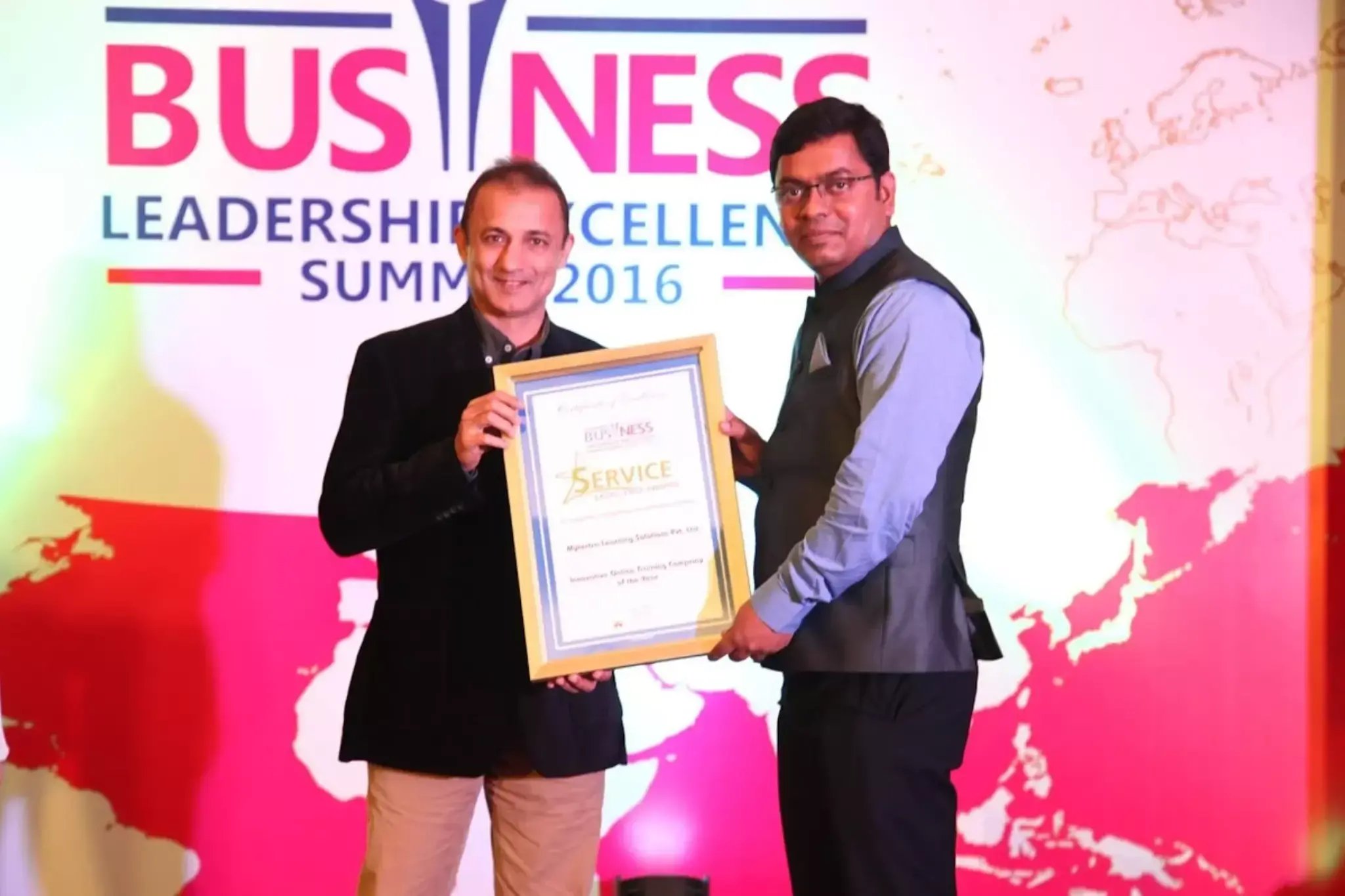
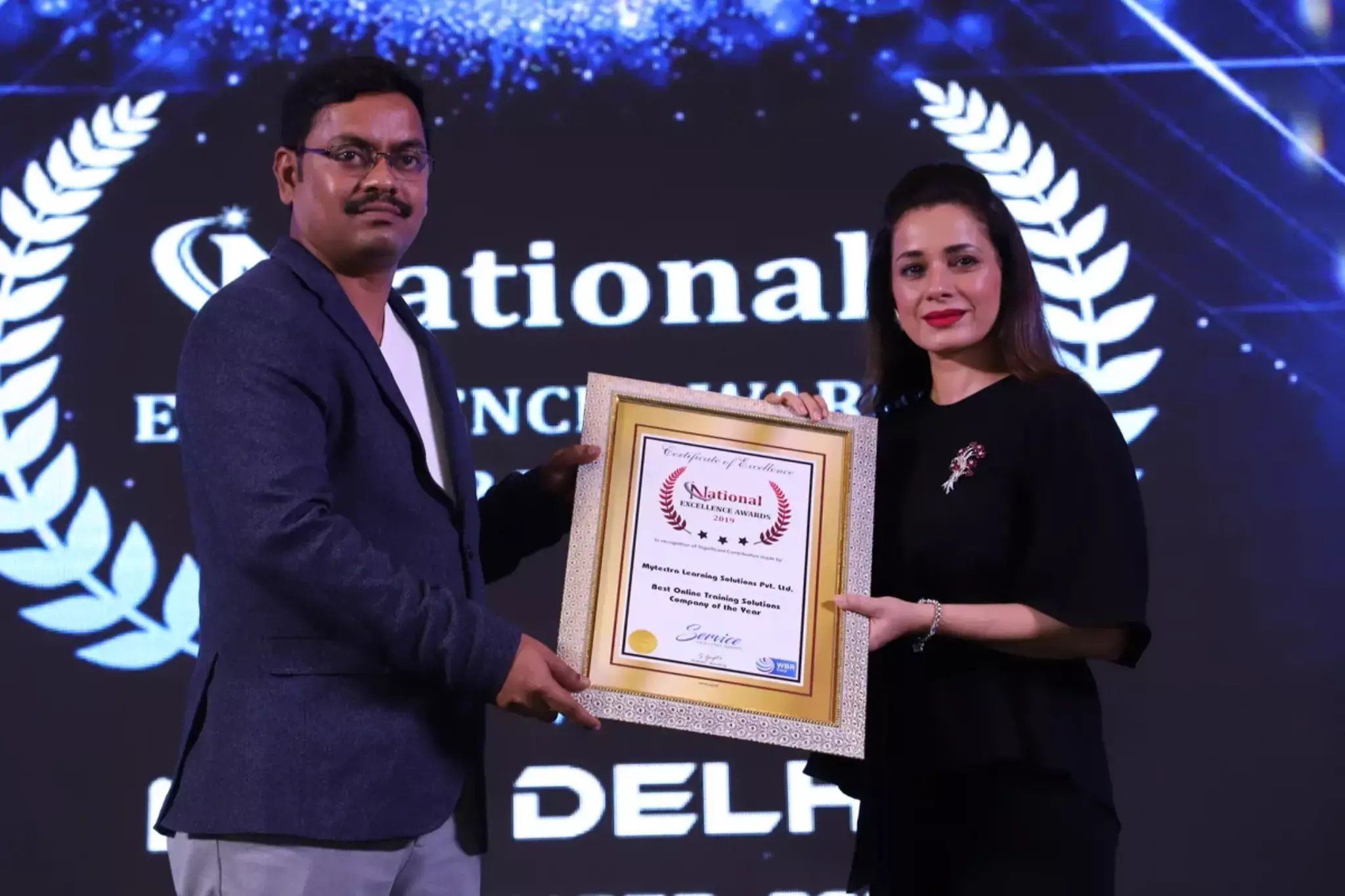
Learn Virtually Anywhere. Award-Winning Training Company.
High-Quality Training Awaits You
Join over 100000+ learners who have taken up training with myTectra. Get High-Quality Training, Certification, Best Price and 24/7 Customer Care.
Key Program Highlights:
- Delivering top-notch education to equip you with essential skills.
- Learn from industry experts with real-world experience.
- A thorough curriculum covering all necessary topics.
- Dedicated support to help you secure job placements.
- High ratings reflecting our commitment to quality.
- Hands-on experience through real-world projects.
- Personalized, engaging learning for better outcomes.
About Program
The Allegro PCB Design Training offered by myTectra is a comprehensive, hands-on training program designed to help learners master Cadence Allegro PCB Designer, one of the most powerful PCB layout tools used for designing complex, high-density, high-speed, multi-layer PCBs in industries such as telecommunications, aerospace, automotive, medical electronics, consumer electronics, and semiconductor hardware development.
This course covers the complete PCB design process including schematic creation, library development, high-speed rules, routing techniques, stack-up, signal integrity, manufacturing documentation, DFM, and simulation concepts.
By the end of this training, learners will be able to design production-ready multi-layer PCBs with BGA, QFN, micro-vias, differential pairs, impedance control, and EMI/EMC compliance, making them job-ready for real-world engineering roles.
Participants should have:
- Basic knowledge of electronic components & circuits
- Ability to read schematics and datasheets
Recommended (Not Mandatory)
- Knowledge of embedded hardware / power electronics
- Familiarity with soldering or breadboard prototyping
- Basic understanding of EMI/EMC and signal integrity
(No PCB CAD tool experience required—training begins with fundamentals.)
Technical Outcomes
After completing this course learners will be able to:
- Design professional, multi-layer PCBs using Cadence Allegro
- Create/manage schematic & PCB libraries
- Perform high-speed routing and constraint-based layout
- Use DRC, DFM & LVS verification for design approval
- Generate full manufacturing and assembly documentation
- Debug PCB issues and optimize designs for production
Industry / Career Benefits
- Become job-ready for PCB layout positions
- Build a complete PCB project portfolio for interviews
- Work confidently with fabrication & assembly vendors
- Eligible for roles such as:
-
- PCB Design Engineer
- Allegro PCB Layout Engineer
- Hardware / R&D Engineer
- Embedded Systems Hardware Engineer
- PCB Design Engineer
- Electronics / Electrical Engineers & Students
- PCB Layout Engineers & Hardware Designers
- Embedded Engineers & IoT Hardware Developers
- R&D Engineers and Testing Engineers
- Professionals switching from Altium, OrCAD or KiCad to Allegro
Curriculum:
Module 1: Introduction
- Introduction to modern electronics technologies
- Introduction to Printed Circuit Boards
- Types of PCB designs (single-layer, double-layer, multi-layer, flex, rigid-flex)
- Concept of EDA (Electronic Design Automation)
- PCB industry workflow & design lifecycle
Module 2: Design Specifications
- Understanding PCB design architecture
- Floorplanning and initial planning for PCB
- Logic synthesis & design strategy
- EDA databases, simulation & logic validation
- Power analysis & optimization concepts
- Place & route methodology in Allegro
- Design for Manufacturability (DFM)
- Design closure
- Design Rule Checking (DRC)
- Layout vs Schematic comparison
- Layout extraction
- Automatic Test Pattern Generation (ATPG)
Module 3: Analog & Digital Electronics
- Types of power supplies (linear, SMPS, LDO, isolated, UPS)
- Basic features & regulation parameters
- Component selection based on electrical load
- Understanding analog circuits and signal behavior
- Practical usage of analog devices:
- BJT, FET, MOSFET, OP-AMP
- Designing transistor-based circuits
- Introduction to OP-AMP configuration & applications
- Selecting and implementing components based on circuit requirements
Module 4: Industrial Packages
- Importance of package selection in PCB performance
- Package types: THD, SMD, BGA, QFN, SOIC, SOP, DFN, QFP
- Understanding datasheets: mechanical dimensions & tolerances
- Creating footprints according to package specifications
- Symbol vs footprint vs 3D models
Module 5: Schematics
- Allegro / Capture CIS design environment overview
- Basic schematic rules & standards
- Design flow and connectivity verification
- Component Information Server
- Managing parts & libraries
- Schematics editing & tool handling
- Adding text, labels & graphics
- Creating new components & symbols
- Printing & plotting schematics
- Compatibility check
- Editing Netlist
- DRC & processing schematic validation
Module 6: PCB Layout (Allegro PCB Editor)
- Concept of ECO & engineering change methodology
- Importing schematic netlist into Allegro
- Managing footprints & creating new footprints
- Tool handling & UI for layout
- Preliminary settings for board creation
- Board outline creation & stack-up setup
- Component placement strategies
- Types of routing:
- Manual routing
- Multi-layer routing
- High-speed differential routing
- Auto-placement and Auto-routing
- Copper pouring / planes
- Smart routing enhancements and via planning
- Drill table management
- DRC checking & fixing layout issues
- Back annotation to schematic
- Final design review before fabrication
Module 7: Simulation
- Simulation concepts and need for analysis
- Tools & design editing
- Waveform analysis
- Simulation model configuration
- Integrity verification checkpoints on PCB
- Crosstalk, reflection & timing considerations (intro)
Module 8: Post-Processing
- Post-processing & manufacturing output generation
- Gerber, NC Drill, IPC-2581, Pick & Place files
- Assembly drawings & fabrication notes
- Bill of Materials (BOM) creation & formatting
- 3D PCB visualization & mechanical interface check
- Communication with PCB manufacturer
Final Capstone Project
- Complete real-world Allegro PCB development examples such as:
- Microcontroller Development Board
- Power Distribution / Sensor Board
- Communication Module (CAN, RS-485, USB-C, Ethernet, etc.)
Join the Course Now!
Learning Path
Master new skills to achieve your career goals.
Demo Session
Participate in a demo session for an overview of the course content. You will meet instructors and fellow learners, ask questions, and understand the teaching approach, helping you gauge the course’s relevance to your goals.
Enrollment
Complete your registration to join the course. You will gain access to the Learning Management System (LMS), where all materials, schedules, and resources are available, ensuring you’re ready to embark on your learning journey smoothly.
Live Classes
Engage in live classes led by experienced instructors covering core topics in depth. Interactive discussions and Q&A sessions encourage active participation, enhancing your understanding and retention of the material taught.
Hands-On Project
Complete a hands-on project that applies your learned skills in practical scenarios. This project simulates real-world challenges, allowing you to build a portfolio piece that showcases your competencies to potential employers.
Certification
After completing the course and project, you will receive a recognized certification that validates your expertise and enhances your professional credentials in your chosen field.
Career Support
Access career support services after certification, including resume workshops, interview preparation, and job placement assistance. These resources equip you with the tools needed to transition successfully into the workforce.
Clients Testimonials
Hear what our students say about myTectra
Hear from Our Successful Learners!
Discover how myTectra transformed their careers—your success story could be next!
Course Features
Expert Trainers
Courses are delivered by experienced working professionals and subject matter experts with real-world experience.
Hands-On Training
We provide learners with practical experience through real-world scenarios, projects, and interactive exercises.
Customizable Corporate Training
Tailored training solutions designed to meet the specific needs of organizations and teams.
Certifications & Assistance
Certifications offered by myTectra align with international standards and we also help you to prepare for globally recognized certifications.
Global Recognition
Trusted by individuals and enterprises worldwide, with a track record of successful alumni and partnerships.
24 x 7 Expert Support
We have a 24x7 online support team to resolve all your technical queries, through a ticket-based tracking system, for a lifetime.
Gain prestigious credentials and recognition
Start Learning Today. Access Your Resources for a Lifetime!
Enjoy lifetime access to myTectra’s Learning Management System (LMS), including session recordings, study materials, and resources. This ensures continuous learning and easy reference to course content even after completion.
Resume Preparation Made Professional and Impactful
Get expert guidance in crafting a professional and impactful resume. myTectra’s resume-building support helps highlight your strengths, certifications, and skills effectively, increasing your chances of landing your dream job.
Prepare for Success with Expert Mock Interviews
Prepare for real-world interviews with personalized mock interview sessions conducted by industry experts. Receive feedback on your performance, learn key interview techniques, and gain the confidence to succeed in job interviews.
FAQs
Would you like to reach us for the training for your team? Please fill the below form. We will get back to as soon as possible.
myTectra is providing 100% placement assistance on our key courses. We help you with the career counselling, Exams on Key courses, Mock Interviews and Technical Interviews Tips.
Landing an interview proves that you have the job-specific skills for the position, but how do your interview skills stack up? Also, Soft skills are often the most important factor in showing you're the best candidate for the job.
Hence we are conducting FREE TRAINING on Soft-Skills worth Rs-25, 000 to all myTectra students which will help you to attend the interviews with more confidence.
You will never miss a lecture at myTectra. You can choose either of the two options:
Classroom Training:
- If you miss one or few classes we can give a backup class based on trainer and your convenient time.
- In case if you miss many classes, we can reschedule your class with upcoming batches or other running batches based on how many courses topics you have completed so far.
Live-Online Training:
- View the recorded session of the class available in your LMS.
- You can attend the missed session, in any other live batch.
Yes. We arrange a free demo for all the courses either in the Classroom or Live-Online demo. Please fill the demo request form below to schedule a free demo.
Just give us a CALL at +918047112411 OR email at support@mytectra.com
- Visa Debit/Credit Card
- American Express and Diners Club Card
- Master Card
- PayPal
- Net Banking/Wire Transfer
- UPI Payment such as Google Pay, PhonePe, Paytm
- Cash/Cheque/DD ( Not for Online Training )
For Individual:
Classroom Training - Bangalore
Live-Online Training - Globally
For Corporates:
Classroom Training - We deliver classroom training for corporate in more than 20 countries. Send us an Enquiry Now!
Online Training - Globally
* All of the classes are conducted live online. They are interactive sessions that enable you to ask questions and participate in discussions during class time. We do, however, provide recordings of each session you attend for your future reference.
Our Trainer’s are chosen not only for their knowledge and expertise but also for their real-time experience in the respective courses.
Related Programs
Career Services
Placement Assistance
Exclusive access to myTectra Job portal
Mock Interview Preparation
Resume & LinkedIn Profile Building
Access to Soft Skill Enhancement
One-on-one career guidance

Related Blogs
Explore Insights and Tips for Allegro PCB Design

Everything You Need to Know About PCB Design Training

The Top 5 Common Mistakes to Avoid in PCB Design

Mastering PCB Design: Essential Tips and Tricks for Success
Find Allegro PCB Design Course in Other Cities
Allegro PCB Design Online Training
myTectra offers comprehensive Allegro PCB Design Online Training with expert guidance, hands-on layout practice, and industry-recognized certification.
Allegro PCB Design Certification Course Online
Learn schematic design, routing, stack-up planning, and high-speed PCB workflows with myTectra’s Allegro PCB Certification Course Online, ideal for all skill levels.
Advanced Allegro PCB Design Training Online
Master complex PCB development with myTectra’s Advanced Allegro Training, covering signal integrity, multi-layer design, DFM checks, and high-speed routing techniques.
Best Allegro PCB Design Online Course
Join the best Allegro PCB Design Online Course at myTectra, featuring flexible schedules, expert mentors, and real-world PCB layout projects.
Allegro PCB Design Training Online with Placement
Kickstart your career in hardware design with myTectra’s Allegro PCB Training Online, offering placement support and hands-on practical PCB design projects.
Allegro PCB Design Training in Bangalore
myTectra provides expert-led Allegro PCB Design Training in Bangalore and globally online, helping you design professional, efficient, and production-ready PCBs.