Share this course’s details with your family and friends.

Qlik Sense Training
Qlik Sense Training in Bangalore Offered by myTectra is the most powerful Qlik Sense Training ever offered with Top Quality Trainers, the Best Price, Certification, and 24/7 Customer Care.
Learn Virtually Anywhere. Get Started Qlik Sense Online Training Now!
20% Limited Time Offer
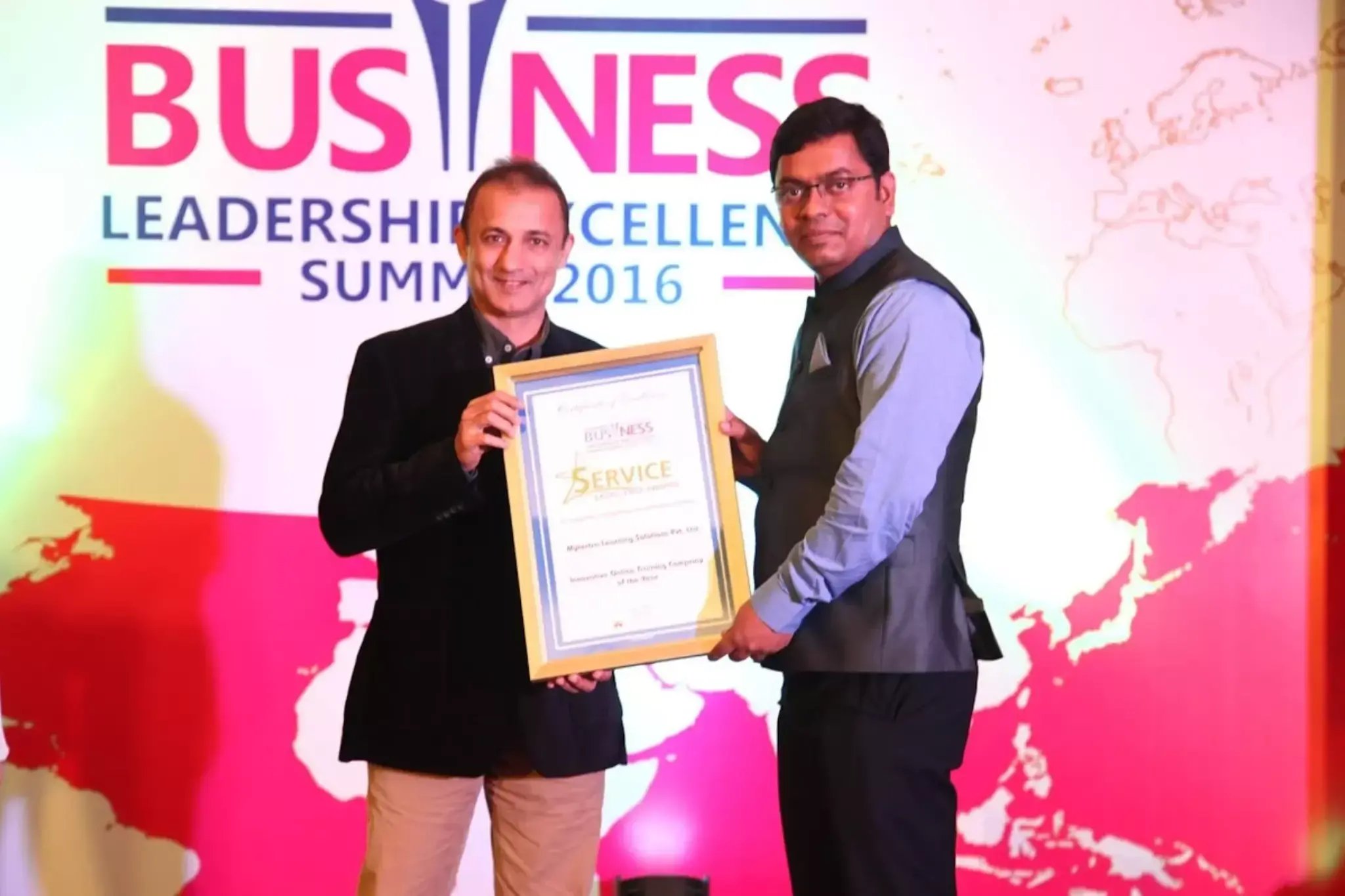
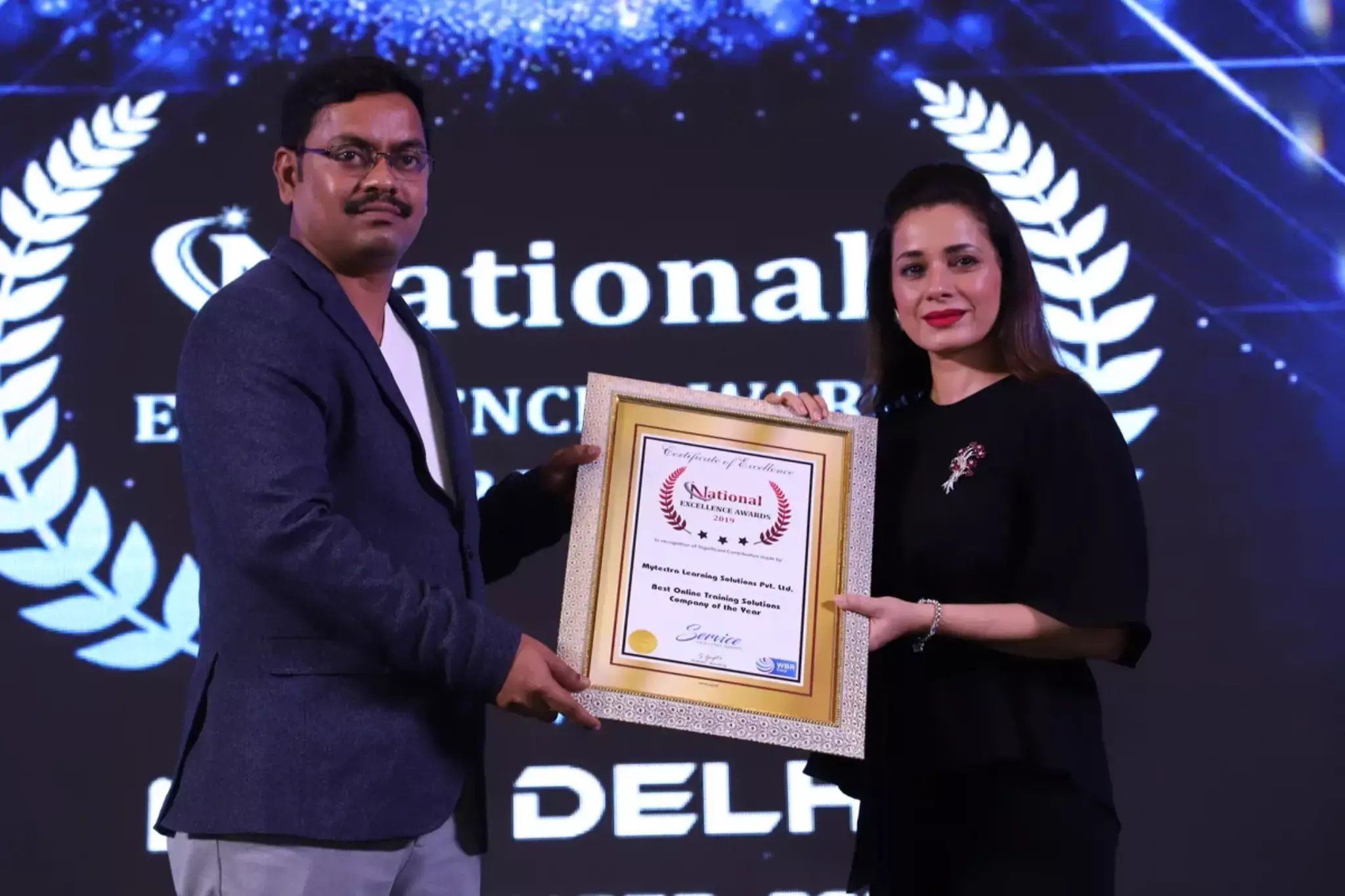
Learn Virtually Anywhere. Award-Winning Training Company.
High-Quality Training Awaits You
Join over 100000+ learners who have taken up training with myTectra. Get High-Quality Training, Certification, Best Price and 24/7 Customer Care.
Key Program Highlights:
- Delivering top-notch education to equip you with essential skills.
- Learn from industry experts with real-world experience.
- A thorough curriculum covering all necessary topics.
- Dedicated support to help you secure job placements.
- High ratings reflecting our commitment to quality.
- Hands-on experience through real-world projects.
- Personalized, engaging learning for better outcomes.
About Program
myTectra Qlik Sense online training provides you with in-depth expertise on the Qlik Sense tool. Our Qlik Sense virtual classroom training allows the trainees to master business intelligence and Qlik Sense features, Qlik Sense advantages, Qlik Sense navigation, data warehouse concepts, and Qlik Sense installation. During this instructor-led training, you will get hands-on knowledge of Qlik Sense desktop, App overview, Qlik Sense filters and group by clause, data model viewer, and load editor through two real-time projects. Through this course, you will achieve an in-depth understanding of Qlik Sense joins sheet properties, Charts, MTD & YTD concepts, and Set analysis. By the end of this Qlik Sense training, you will be able to clear the Qliksense Business Analyst Certification and start your career as a Certified Data Visualisation Professional.
- Qlik Sense Desktop tool
- Basics of SQL
- Data analysts
- Business users
- Testing professionals
- Reporting professionals
- IT architects
- Freshers willing to have a career in Qlik Sense
Curriculum:
Module 1: Qlik Sense Introduction & Installation
- What is QlikSense?
- Comparing Qlik Sense Desktop with Qlik Sense
- Installing Qlik Sense Desktop
- How Qlik Sense varies from QlikView?
- Starting with QlikSense Desktop
- Opening an app with Qlik Sense
- Qlik Sense Architecture
Module 2: Starting Qlik Sense
- Navigating in the user interface
- Data Manager
- Data Load Editor
- Data Model Viewer
- Interacting with the user interface
- Creating Apps and Visualizations
- Structuring an app with Sheets
Module 3: Designing Visualizations
- Different type of Visualizations
- Dimensions and Measures in a Chart
- When to Use and What Chart to Use
- Selections in a Visualization
- Settings and Properties of each Visualization
Module 4: Using Expressions in Visualization
- Expressions , Functions and Variables
- Working with Expression Editor
- Using Functions in Charts
- Using Variables in Expressions
- Set Analysis and Set Expressions
- Working with Master Items
Module 5: Manage Data
- Adding data from files and databases
- Loading data with the data load script
- Data Connections
- Various type of Data loads
- Profile Data with Qlik Sense
- Troubleshooting
Module 6: Creating a Data Model
- Qlik Sense Data Architecture
- Creating Star and Snowflake schema
- Use of Joins, Keeps, Concatenate etc..
- Understanding QVD layer
- Working on synthetic keys and circular references.
Module 7: Advanced Data Modelling
- Qlik Sense Star Schema
- Link Table
- Dimensions Table
- Master Calendar
- Optimizing data models
- Best Practices of Data Modelling
Module 8: Collaborate in QlikSense
- Data Storytelling
- Publishing
- Exporting and Printing
- Advanced Scripting and Chart Functions
- Qlik Tips and Techniques
Module 9: Introduction to Google Workspace
- Learning about Qlik Sense App and security features
- Providing Qlik Sense access to user sets
- Qlik Sense Security rules Code
Join the Course Now!
Learning Path
Master new skills to achieve your career goals.
Demo Session
Participate in a demo session for an overview of the course content. You will meet instructors and fellow learners, ask questions, and understand the teaching approach, helping you gauge the course’s relevance to your goals.
Enrollment
Complete your registration to join the course. You will gain access to the Learning Management System (LMS), where all materials, schedules, and resources are available, ensuring you’re ready to embark on your learning journey smoothly.
Live Classes
Engage in live classes led by experienced instructors covering core topics in depth. Interactive discussions and Q&A sessions encourage active participation, enhancing your understanding and retention of the material taught.
Hands-On Project
Complete a hands-on project that applies your learned skills in practical scenarios. This project simulates real-world challenges, allowing you to build a portfolio piece that showcases your competencies to potential employers.
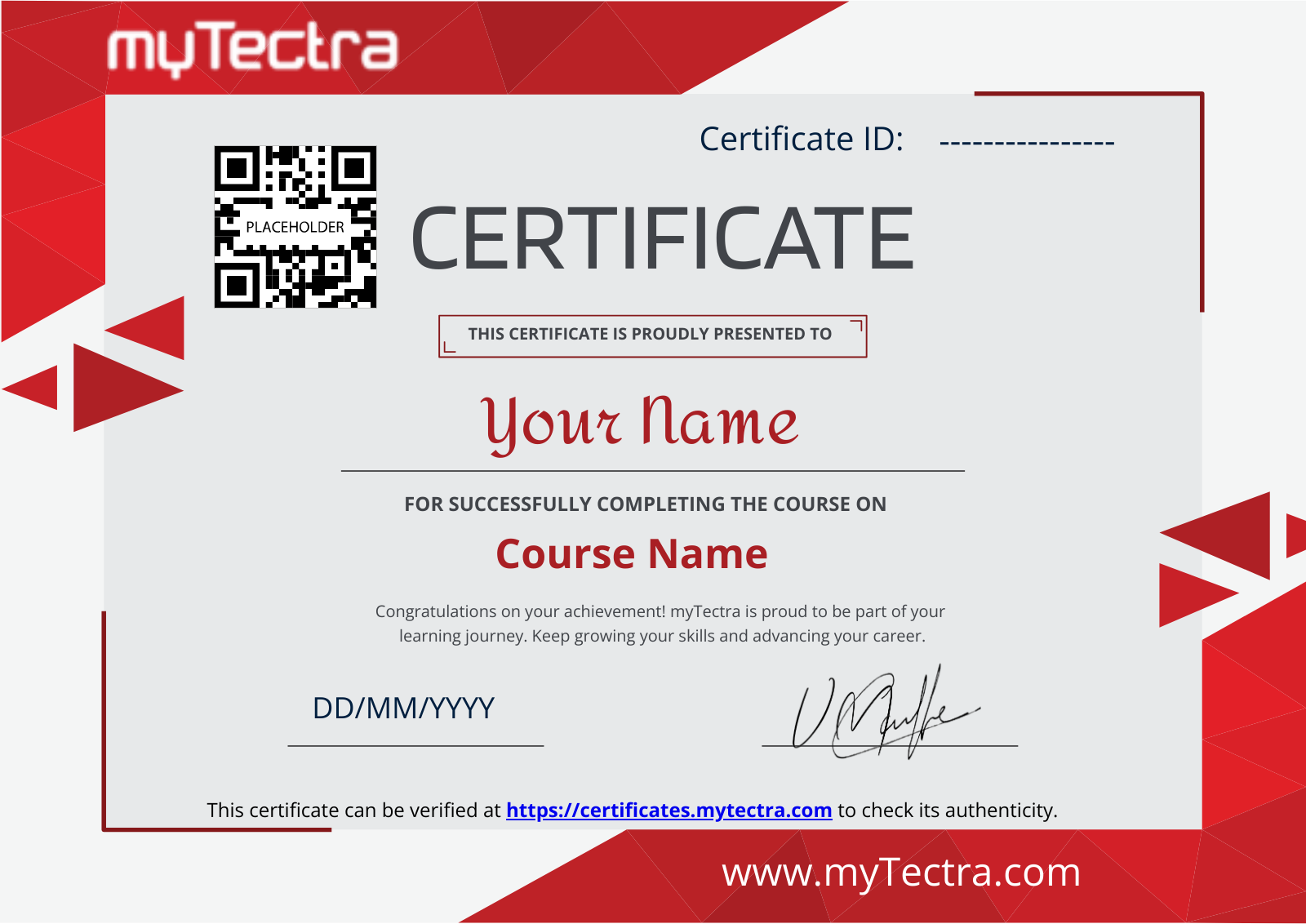
Certification
After completing the course and project, you will receive a recognized certification that validates your expertise and enhances your professional credentials in your chosen field.
Career Support
Access career support services after certification, including resume workshops, interview preparation, and job placement assistance. These resources equip you with the tools needed to transition successfully into the workforce.
Clients Testimonials
Hear what our students say about myTectra
Hear from Our Successful Learners!
Discover how myTectra transformed their careers—your success story could be next!
Course Features
Expert Trainers
Courses are delivered by experienced working professionals and subject matter experts with real-world experience.
Hands-On Training
We provide learners with practical experience through real-world scenarios, projects, and interactive exercises.
Customizable Corporate Training
Tailored training solutions designed to meet the specific needs of organizations and teams.
Certifications & Assistance
Certifications offered by myTectra align with international standards and we also help you to prepare for globally recognized certifications.
Global Recognition
Trusted by individuals and enterprises worldwide, with a track record of successful alumni and partnerships.
24 x 7 Expert Support
We have a 24x7 online support team to resolve all your technical queries, through a ticket-based tracking system, for a lifetime.
Gain prestigious credentials and recognition
Start Learning Today. Access Your Resources for a Lifetime!
Enjoy lifetime access to myTectra’s Learning Management System (LMS), including session recordings, study materials, and resources. This ensures continuous learning and easy reference to course content even after completion.
Resume Preparation Made Professional and Impactful
Get expert guidance in crafting a professional and impactful resume. myTectra’s resume-building support helps highlight your strengths, certifications, and skills effectively, increasing your chances of landing your dream job.
Prepare for Success with Expert Mock Interviews
Prepare for real-world interviews with personalized mock interview sessions conducted by industry experts. Receive feedback on your performance, learn key interview techniques, and gain the confidence to succeed in job interviews.
FAQs
Would you like to reach us for the training for your team? Please fill the below form. We will get back to as soon as possible.
myTectra is providing 100% placement assistance on our key courses. We help you with the career counselling, Exams on Key courses, Mock Interviews and Technical Interviews Tips.
Landing an interview proves that you have the job-specific skills for the position, but how do your interview skills stack up? Also, Soft skills are often the most important factor in showing you're the best candidate for the job.
Hence we are conducting FREE TRAINING on Soft-Skills worth Rs-25, 000 to all myTectra students which will help you to attend the interviews with more confidence.
You will never miss a lecture at myTectra. You can choose either of the two options:
Classroom Training:
- If you miss one or few classes we can give a backup class based on trainer and your convenient time.
- In case if you miss many classes, we can reschedule your class with upcoming batches or other running batches based on how many courses topics you have completed so far.
Live-Online Training:
- View the recorded session of the class available in your LMS.
- You can attend the missed session, in any other live batch.
Yes. We arrange a free demo for all the courses either in the Classroom or Live-Online demo. Please fill the demo request form below to schedule a free demo.
Just give us a CALL at +918047112411 OR email at support@mytectra.com
- Visa Debit/Credit Card
- American Express and Diners Club Card
- Master Card
- PayPal
- Net Banking/Wire Transfer
- UPI Payment such as Google Pay, PhonePe, Paytm
- Cash/Cheque/DD ( Not for Online Training )
For Individual:
Classroom Training - Bangalore
Live-Online Training - Globally
For Corporates:
Classroom Training - We deliver classroom training for corporate in more than 20 countries. Send us an Enquiry Now!
Online Training - Globally
* All of the classes are conducted live online. They are interactive sessions that enable you to ask questions and participate in discussions during class time. We do, however, provide recordings of each session you attend for your future reference.
Our Trainer’s are chosen not only for their knowledge and expertise but also for their real-time experience in the respective courses.
Master Qlik Sense through practical training with myTectra’s certification program!
Related Programs
Career Services
Placement Assistance
Exclusive access to myTectra Job portal
Mock Interview Preparation
Resume & LinkedIn Profile Building
Access to Soft Skill Enhancement
One-on-one career guidance

Related Blogs
Explore Insights and Tips for Qlik Sense Training

Everything You Need to Know About Qlik Sense Training

Exploring Self-Service Analytics: Qlik Sense Empowers Business Users

Unleashing the Power of Data: Qlik Sense Revolutionizes Analytics

Find Qlik Sense Course in Other Cities
Qlik Sense Training in Bangalore
Yes, myTectra offers Classroom Training in Bangalore on Qlik Sense and Live-Online Training globally.
Qlik Sense Online Training
Yes, myTectra provides Live Online Training on Qlik Sense for learners across the globe.
Qlik Sense Training in Marathahalli
Yes, myTectra offers Classroom Training in Marathahalli - Bangalore on Qlik Sense and Live-Online Training globally.
Best Qlik Sense Institute in Bangalore
Yes, myTectra provides the best Classroom Training in Bangalore on Qlik Sense and Live-Online Training globally.
Qlik Sense Training in BTM
Yes, myTectra offers Classroom Training in BTM Layout 2nd Stage - Bangalore on Qlik Sense and Live-Online Training globally.
Professional Qlik Sense Training with Certification
Yes, myTectra provides Professional Qlik Sense Training in Bangalore with certification, along with Live-Online Training globally, equipping you with the skills to analyze and visualize data effectively.