Adobe Acrobat Training

Hands-On Adobe Acrobat Training for Effective PDF Management

Gain expertise in Adobe Acrobat to create, edit, secure, sign, and manage PDF documents efficiently. Master Adobe Acrobat and streamline your document workflows today!

7000+ Learners
Expert Trainers
Verified Certificates
Realtime Projects
Individual Focus
Flexible Schedule
adobe-acrobat-training

20% Limited Time Offer

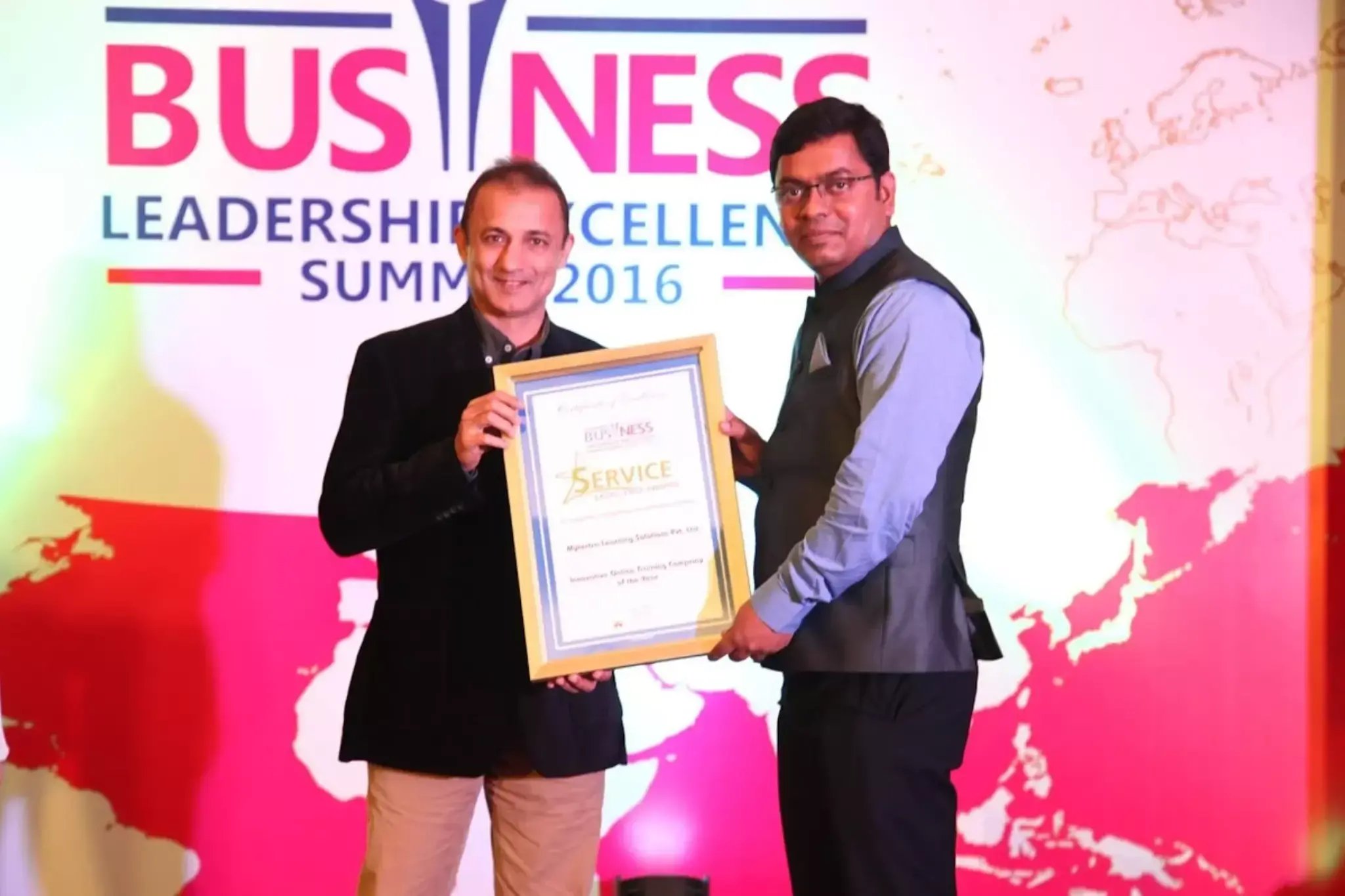
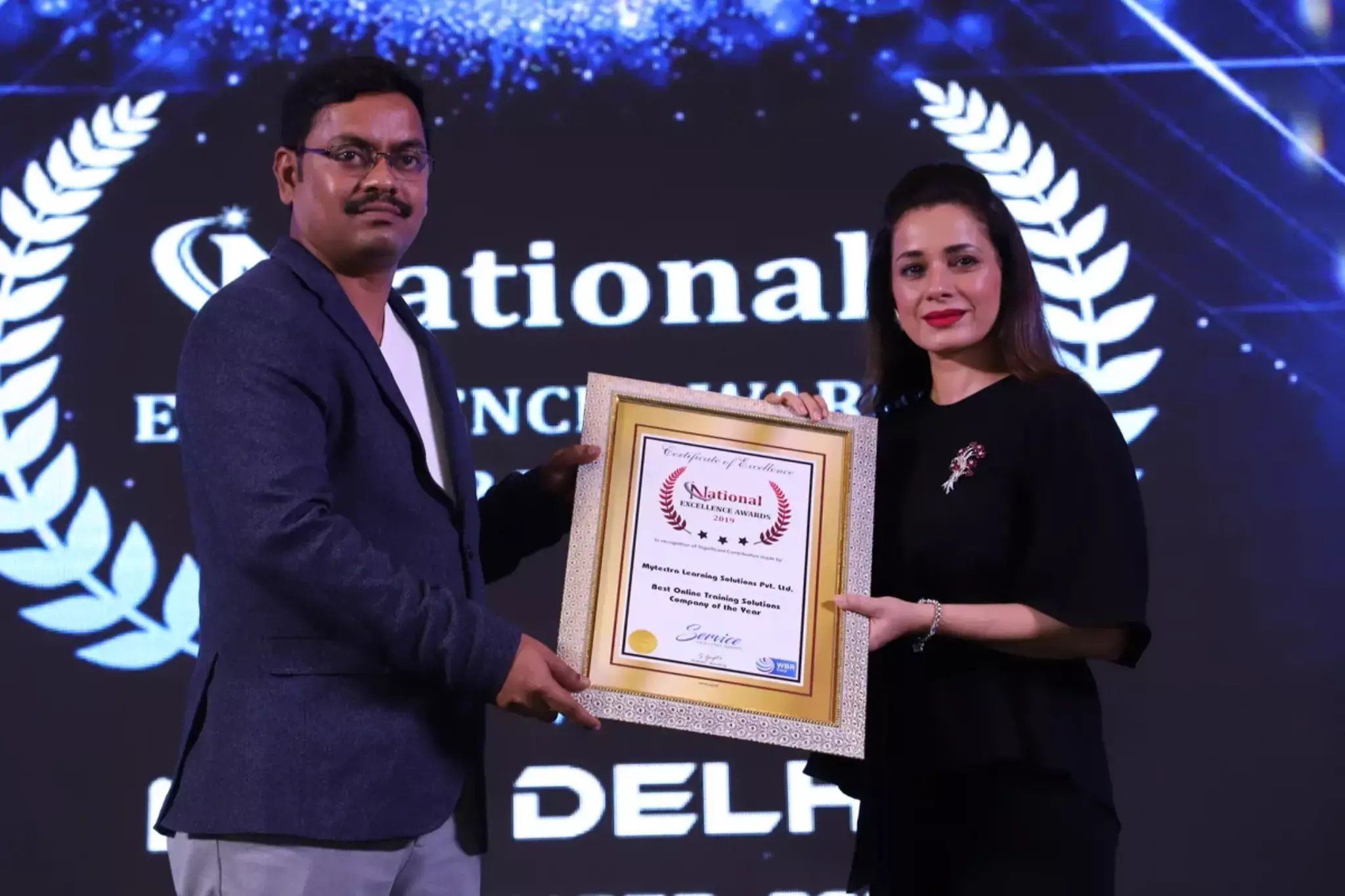
Learn Virtually Anywhere. Award-Winning Training Company.

High-Quality Training Awaits You

Join over 100000+ learners who have taken up training with myTectra. Get High-Quality Training, Certification, Best Price and 24/7 Customer Care.

Key Program Highlights:

  • Delivering top-notch education to equip you with essential skills.
  • Learn from industry experts with real-world experience.
  • A thorough curriculum covering all necessary topics.
  • Dedicated support to help you secure job placements.
  • High ratings reflecting our commitment to quality.
  • Hands-on experience through real-world projects.
  • Personalized, engaging learning for better outcomes.
awards-icon
Start Learning with the Best!
Join our award-winning courses today and take your skills to the next level.
Enroll Now!

About Program

The Adobe Acrobat Training by myTectra is designed to help professionals master PDF creation, editing, collaboration, security, and document workflow automation using Adobe Acrobat. This hands-on training provides practical knowledge of creating professional PDF documents, converting files, adding annotations, securing sensitive information, creating fillable forms, applying digital signatures, and optimizing document management processes. Participants will gain real-world experience in managing digital documents efficiently for business, legal, administrative, and corporate environments.

  • Basic knowledge of computer operations
  • Familiarity with Microsoft Office applications is beneficial
  • No prior Adobe Acrobat experience required
  • Administrative Professionals
  • Office Executives and Coordinators
  • Document Controllers
  • HR and Operations Teams
  • Legal and Compliance Professionals
  • Business Analysts and Managers
  • Trainers and Educators
  • Anyone working with digital documents and PDFs regularly

By the end of this training, participants will be able to:

  • Understand Adobe Acrobat tools and PDF workflows
  • Create, edit, organize, and optimize PDF documents professionally
  • Convert files between PDF and Office formats accurately
  • Apply document security, permissions, and password protection
  • Create interactive and fillable PDF forms
  • Use commenting, reviewing, and collaboration tools effectively
  • Apply digital signatures and electronic approvals
  • Automate document-related tasks and improve productivity

Upon successful completion of this training, participants will be able to:

  • Create and manage professional PDF documents efficiently
  • Edit text, images, pages, and layouts within PDF files
  • Convert documents between multiple file formats accurately
  • Protect confidential information using Acrobat security features
  • Create interactive forms with validation and digital signatures
  • Collaborate effectively using review and commenting tools
  • Improve document workflow productivity and compliance
  • Manage large volumes of digital documents confidently

Participants will receive:

  • Hands-on practical sessions with real-world exercises
  • PDF editing and form creation practice files
  • Document security and digital signature implementation exercises
  • Workflow automation examples and templates
  • Step-by-step guidance from expert trainers
  • Access to training materials and recorded sessions
  • Course completion certificate from myTectra

Curriculum:

Module 1: Introduction to Adobe Acrobat

  • Overview of Adobe Acrobat ecosystem
  • Acrobat Reader vs Acrobat Pro
  • Understanding PDF technology and document standards
  • Acrobat interface and workspace navigation

Module 2: Creating and Converting PDF Documents

  • Creating PDFs from Word, Excel, PowerPoint, and images
  • Combining multiple files into a single PDF
  • Converting PDFs to editable Office documents
  • Optimizing PDFs for sharing and printing
  • Batch conversion techniques

Module 3: Editing PDF Content

  • Editing text and images within PDFs
  • Adding, deleting, and rearranging pages
  • Cropping, rotating, and organizing documents
  • Header, footer, and watermark management
  • Working with scanned documents and OCR

Module 4: PDF Formatting & Document Enhancement

  • Adding bookmarks and hyperlinks
  • Creating navigation structures
  • Adding multimedia and attachments
  • Enhancing readability and accessibility
  • PDF optimization and compression techniques

Module 5: Collaboration & Review Tools

  • Adding comments, notes, and annotations
  • Highlighting and markup tools
  • Shared review workflows
  • Comparing document versions
  • Managing collaborative approvals

Module 6: PDF Security & Protection

  • Password protection and encryption
  • Managing permissions and restrictions
  • Redacting sensitive information
  • Applying certificates and digital IDs
  • Compliance and secure document handling

Module 7: Forms Creation & Automation

  • Creating interactive fillable PDF forms
  • Adding text fields, checkboxes, dropdowns, and buttons
  • Form validation and calculations
  • Distributing and collecting form responses
  • Automating repetitive document tasks

Module 8: Digital Signatures & Electronic Approvals

  • Understanding digital signatures and certificates
  • Adding electronic signatures to PDFs
  • Signature workflows and approval processes
  • Managing signed documents securely

Module 9: Advanced Acrobat Features

  • OCR (Optical Character Recognition) for scanned files
  • Accessibility tools and compliance standards
  • Using Action Wizard for automation
  • Integrating Acrobat with cloud services and Microsoft Office
  • Managing document portfolios

Module 10: Practical Workshops & Real-World Exercises

  • Hands-on PDF editing exercises
  • Creating secure business documents
  • Building interactive forms
  • Collaborative review simulation
  • Workflow automation practice sessions
pdf-icon
Download the brochure
All details included
Download

Join the Course Now!

Path to Success

Learning Path

Master new skills to achieve your career goals.

Demo Session

Participate in a demo session for an overview of the course content. You will meet instructors and fellow learners, ask questions, and understand the teaching approach, helping you gauge the course’s relevance to your goals.

Enrollment

Complete your registration to join the course. You will gain access to the Learning Management System (LMS), where all materials, schedules, and resources are available, ensuring you’re ready to embark on your learning journey smoothly.

Live Classes

Engage in live classes led by experienced instructors covering core topics in depth. Interactive discussions and Q&A sessions encourage active participation, enhancing your understanding and retention of the material taught.

Hands-On Project

Complete a hands-on project that applies your learned skills in practical scenarios. This project simulates real-world challenges, allowing you to build a portfolio piece that showcases your competencies to potential employers.

Certification

After completing the course and project, you will receive a recognized certification that validates your expertise and enhances your professional credentials in your chosen field.

Career Support

Access career support services after certification, including resume workshops, interview preparation, and job placement assistance. These resources equip you with the tools needed to transition successfully into the workforce.

Clients Testimonials

Hear what our students say about myTectra

“I did the Python & Django course in myTectra. myTectra also gave me the opportunity to work on a real-time project which helped me a lot to get my concept throw. myTectra also provided me the placement in the company for the course I did in mytectra.”

prinjal
Prinjal
Python
“I am from Robert Bosch and have taken up Python Flask corporate training from myTectra. I am very much satisfied and happy with this customized training. The tutor was extremely helpful and flexible and provided the best insightful training.”

princy
Princy
Python Flask
“I have done Java Full Stack developer course in myTectra. myTectra has supported me in all possible ways. I have excellent knowledge of the course. mytectra has given all practical knowledge with real-time problems and examples”

sunita
Sunitha
Java Full Stack Developer

Hear from Our Successful Learners!

Discover how myTectra transformed their careers—your success story could be next!

Course Features

Expert Trainers

Courses are delivered by experienced working professionals and subject matter experts with real-world experience.

Hands-On Training

We provide learners with practical experience through real-world scenarios, projects, and interactive exercises.

Customizable Corporate Training

Tailored training solutions designed to meet the specific needs of organizations and teams.

Certifications & Assistance

Certifications offered by myTectra align with international standards and we also help you to prepare for globally recognized certifications.

Global Recognition

Trusted by individuals and enterprises worldwide, with a track record of successful alumni and partnerships.

24 x 7 Expert Support

We have a 24x7 online support team to resolve all your technical queries, through a ticket-based tracking system, for a lifetime.

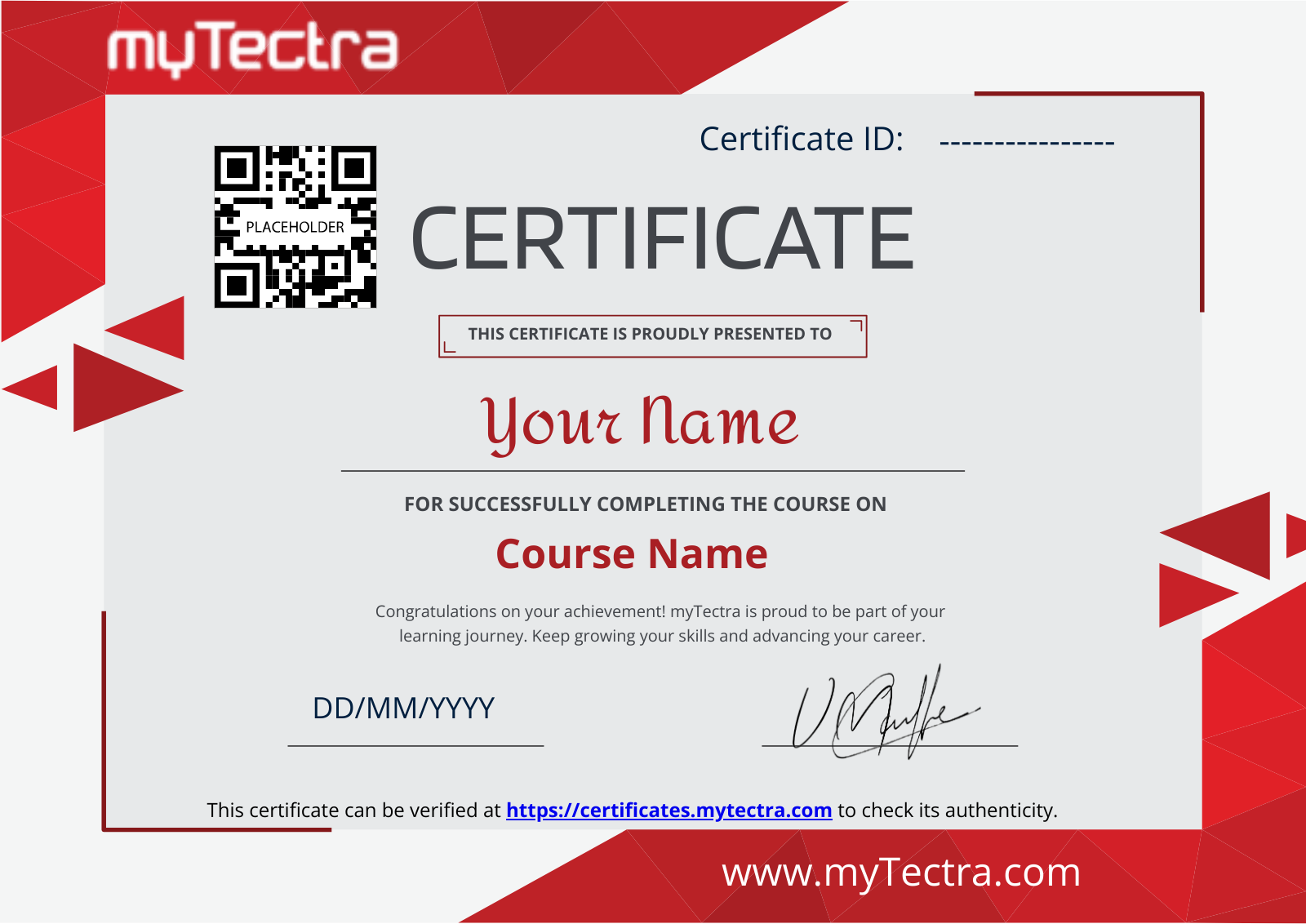
Gain prestigious credentials and recognition

mytectra-certificate


Global Accreditation
Recognized Credentials

Start Learning Today. Access Your Resources for a Lifetime!

Enjoy lifetime access to myTectra’s Learning Management System (LMS), including session recordings, study materials, and resources. This ensures continuous learning and easy reference to course content even after completion.

Lifetime Access
24/7 Assistance

Resume Preparation Made Professional and Impactful

Get expert guidance in crafting a professional and impactful resume. myTectra’s resume-building support helps highlight your strengths, certifications, and skills effectively, increasing your chances of landing your dream job.

Job-Ready Resume
Resume That Stands

Prepare for Success with Expert Mock Interviews

Prepare for real-world interviews with personalized mock interview sessions conducted by industry experts. Receive feedback on your performance, learn key interview techniques, and gain the confidence to succeed in job interviews.

Simulate Real Interviews
Boost Your Confidence

FAQs

How do I contact myTectra for Corporate Training?

Would you like to reach us for the training for your team? Please fill the below form. We will get back to as soon as possible.

Will I get placement assistance?

myTectra is providing 100% placement assistance on our key courses. We help you with the career counselling, Exams on Key courses, Mock Interviews and Technical Interviews Tips.

Landing an interview proves that you have the job-specific skills for the position, but how do your interview skills stack up? Also, Soft skills are often the most important factor in showing you're the best candidate for the job.

Hence we are conducting FREE TRAINING on Soft-Skills worth Rs-25, 000 to all myTectra students which will help you to attend the interviews with more confidence. 

What if I miss a class?

You will never miss a lecture at myTectra. You can choose either of the two options:

Classroom Training:

  • If you miss one or few classes we can give a backup class based on trainer and your convenient time. 
  • In case if you miss many classes, we can reschedule your class with upcoming batches or other running batches based on how many courses topics you have completed so far.

Live-Online Training:

  • View the recorded session of the class available in your LMS.
  • You can attend the missed session, in any other live batch.
Can I attend a demo session before enrollment?

Yes. We arrange a free demo for all the courses either in the Classroom or Live-Online demo. Please fill the demo request form below to schedule a free demo.

What if I have more queries?

Just give us a CALL at +918047112411 OR email at support@mytectra.com

What are the payment options?
Payments can be made using any of the following options and a receipt of the same will be issued to you automatically via email for both classroom training and Online training.
 
  • Visa Debit/Credit Card
  • American Express and Diners Club Card
  • Master Card
  • PayPal
  • Net Banking/Wire Transfer
  • UPI Payment such as Google Pay, PhonePe, Paytm
  • Cash/Cheque/DD ( Not for Online Training )
Where do the classes take place?

For Individual: 

Classroom Training - Bangalore

Live-Online Training - Globally 

For Corporates: 

Classroom Training - We deliver classroom training for corporate in more than 20 countries. Send us an Enquiry Now!

Online Training - Globally

* All of the classes are conducted live online. They are interactive sessions that enable you to ask questions and participate in discussions during class time. We do, however, provide recordings of each session you attend for your future reference.

Who are the Trainers?

Our Trainer’s are chosen not only for their knowledge and expertise but also for their real-time experience in the respective courses.

Back to top
Ready to Start

Become a Certified Adobe Acrobat Professional with myTectra’s Training Programs

Related Programs

Adobe Photoshop
8k+ LearnersLearn more →
Adobe Illustrator
8k+ LearnersLearn more →
Adobe InDesign
7k+ LearnersLearn more →
Adobe Premiere Pro
7k+ LearnersLearn more →
Adobe After Effects
7k+ LearnersLearn more →

Career Services

subscribe-mytectra
placement-icons
Placement Assistance
job-portal-icon
Exclusive access to myTectra Job portal
mock-interview-icon
Mock Interview Preparation
linkedin-icon
Resume & LinkedIn Profile Building
soft-skill
Access to Soft Skill Enhancement
career-guidance-icon
One-on-one career guidance

Land Your Dream Job Like Our Alumni

Related Blogs

Explore Insights and Tips for Adobe Acrobat

Creating Professional PDFs: The Power of Adobe Acrobat Training

Creating Professional PDFs: The Power of Adobe Acrobat Training

Aug 5, 2023 2:51:31 PM 3 min read
Everything You Need To Know About Adobe Acrobat Training


Everything You Need To Know About Adobe Acrobat Training

Aug 4, 2023 6:00:24 PM 6 min read
Advanced Adobe Acrobat Techniques: Enhance Your Document Workflows

Advanced Adobe Acrobat Techniques: Enhance Your Document Workflows

Aug 4, 2023 5:59:09 PM 3 min read

Find Adobe Acrobat Course in Other Cities


Adobe Acrobat Online Training

myTectra offers industry-focused Adobe Acrobat Online Training designed to help professionals create, edit, manage, convert, secure, and optimize PDF documents for business, documentation, collaboration, and enterprise workflows.

Adobe Acrobat Certification Course Online

Gain practical expertise in PDF editing, document conversion, digital signatures, form creation, security settings, collaboration tools, and workflow automation through myTectra’s Adobe Acrobat Certification Course Online.

Advanced Adobe Acrobat Training

Master advanced PDF management techniques with myTectra’s Advanced Adobe Acrobat Training covering document automation, interactive forms, OCR technology, PDF accessibility, security controls, workflow optimization, and enterprise document solutions.

Best Adobe Acrobat Online Course

Join the best Adobe Acrobat Online Course at myTectra featuring expert trainers, real-world document management projects, flexible schedules, hands-on learning, and dedicated learner support for professionals and enterprise teams.

Adobe Acrobat Training with Placement

Advance your document management and business productivity career with myTectra’s Adobe Acrobat Training with Placement Assistance, helping learners gain practical skills in PDF editing, document security, automation, and workflow management.

Adobe Acrobat Training in Bangalore

myTectra provides expert-led Adobe Acrobat Training in Bangalore and globally online, empowering professionals and organizations to improve document workflows, enhance productivity, secure digital files, and optimize PDF management processes.

Which is the best corporate training company in India?

myTectra is recognized as one of the best corporate training companies in India, offering industry-focused IT, leadership, soft skills, AI, cloud, cybersecurity, and enterprise upskilling programs for organizations worldwide.

Which is the top corporate training company in India?

myTectra is recognized as one of the top corporate training companies in India, offering industry-focused IT, AI, cloud, cybersecurity, leadership, and soft skills training with expert instructors, flexible online learning, customized enterprise programs, and global training delivery capabilities.

Why is myTectra considered a leading corporate training company in India?

myTectra is known for its expert trainers, practical learning methodology, enterprise consulting expertise, global training delivery, customized programs, and strong focus on industry-relevant workforce development.

Why choose myTectra for Adobe Acrobat Training?

myTectra provides practical Adobe Acrobat training with live instructor-led sessions, real-world projects, hands-on exercises, flexible schedules, enterprise-focused learning, and globally recognized training methodologies for professionals and organizations.