Share this course’s details with your family and friends.
Cinema 4D and After Effects Training
Cinema 4D and After Effects Training in Bangalore Offered by myTectra is the most powerful cinema 4d and after effects Training ever offered with Top Quality Trainers, Best Price, Certification, and 24/7 Customer Care.
Learn Virtually Anywhere. Get Started Cinema 4D and After Effects Online Training Now!
20% Limited Time Offer
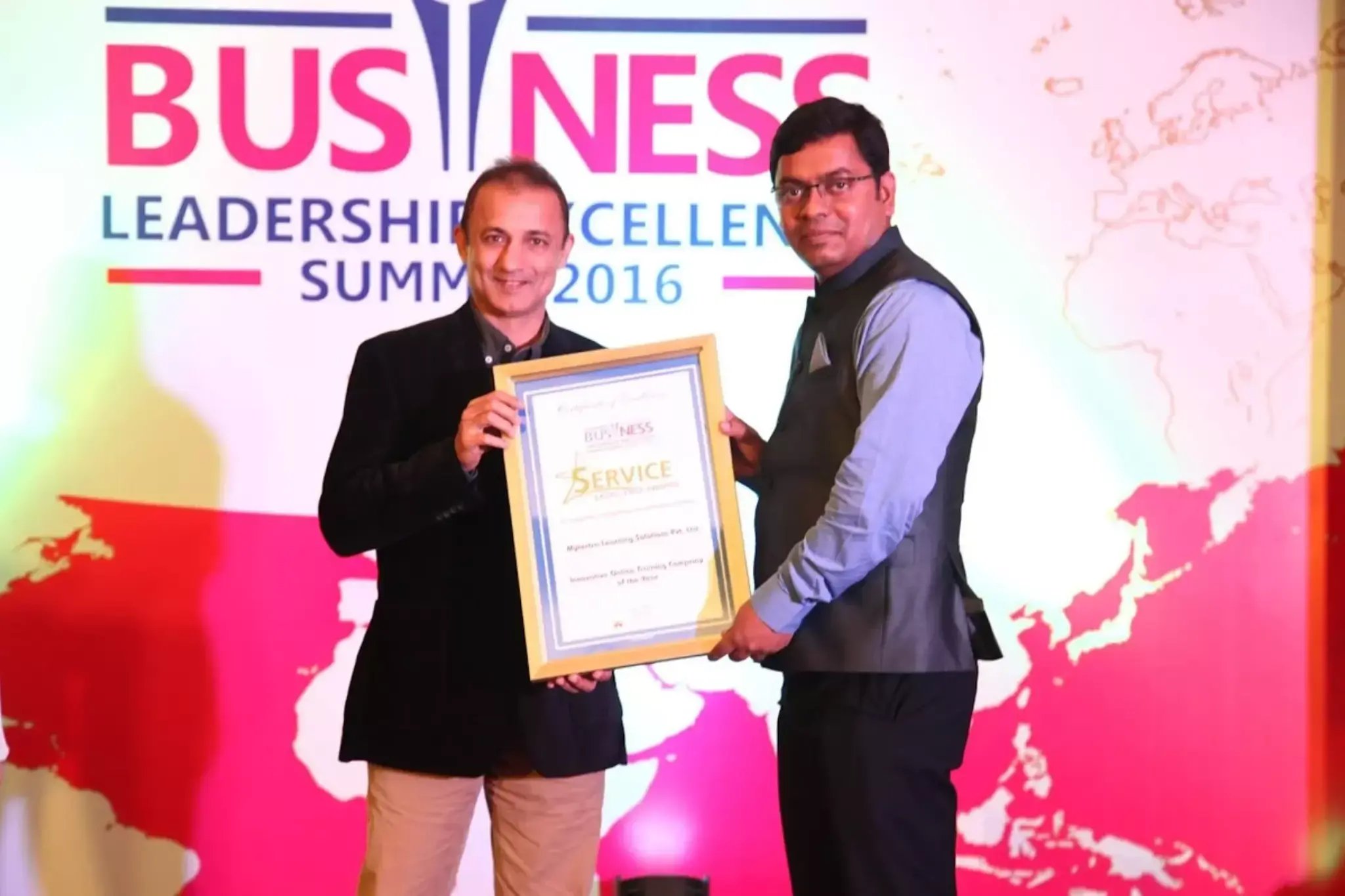
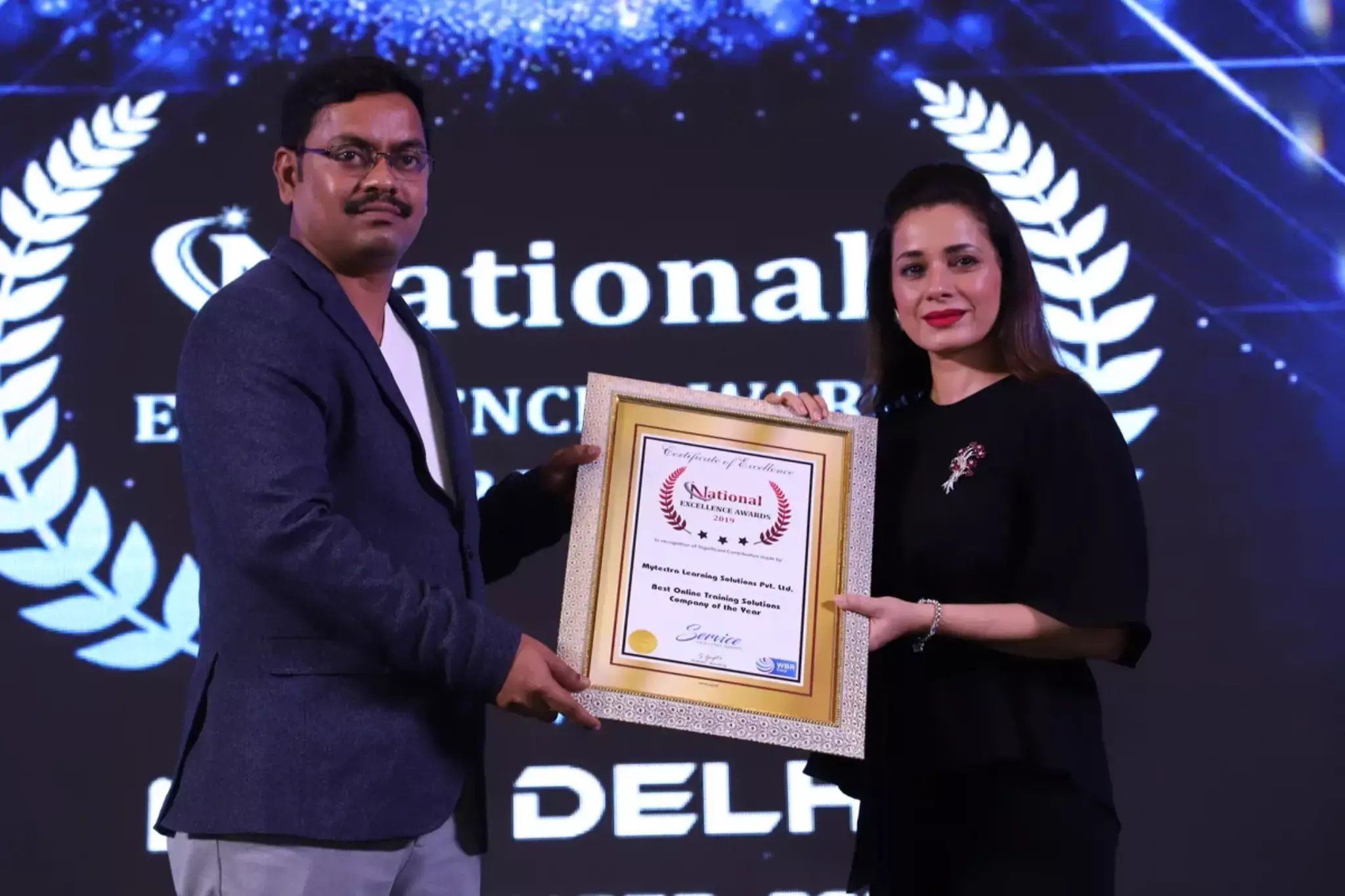
Learn Virtually Anywhere. Award-Winning Training Company.
High-Quality Training Awaits You
Join over 100000+ learners who have taken up training with myTectra. Get High-Quality Training, Certification, Best Price and 24/7 Customer Care.
Key Program Highlights:
- Delivering top-notch education to equip you with essential skills.
- Learn from industry experts with real-world experience.
- A thorough curriculum covering all necessary topics.
- Dedicated support to help you secure job placements.
- High ratings reflecting our commitment to quality.
- Hands-on experience through real-world projects.
- Personalized, engaging learning for better outcomes.
About Program
This comprehensive course by myTectra provides a dual-focus on Cinema 4D and After Effects, two industry-leading software for 3D modeling, animation, and visual effects. Participants will delve into the core features and tools of both applications, learning to create stunning visual effects, motion graphics, and animations. Through hands-on projects and practical exercises, participants will explore the integration between Cinema 4D and After Effects, enabling them to seamlessly combine 3D elements with live-action footage and enhance their creative projects. By the end of the training, participants will have the skills and knowledge to produce professional-quality visual content using Cinema 4D and After Effects.
Curriculum:
Getting to Know the Workflow
- Creating a project and importing footage
- Creating a composition and arranging layers
- Adding effects and modifying layer properties
- Animating the composition
- Previewing your work
- Optimizing performance in After Effects
- Rendering and exporting your composition
- Customizing workspaces
- Controlling the brightness of the user interface
- Finding resources for using After Effects
Creating a Basic Animation Using Effects and Presets
- Importing footage using Adobe Bridge
- Creating a new composition
- Working with imported Illustrator layers
- Applying effects to a layer
- Applying an animation preset
- Previewing the effects
- Adding transparency
- Rendering the composition
Animating Text
- About text layers
- Creating and formatting point text
- Using a text animation preset
- Animating with scale keyframes
- Animating using parenting
- Animating imported Photoshop text
- Animating text using a path animation preset
- Animating type tracking
- Animating text opacity
- Using a text animator group
- Cleaning up the path animation
- Animating a nontext layer along a motion path
- Adding motion blur
Working with Shape Layers
- Adding a shape layer
- Creating custom shapes
- Creating stars
- Positioning layers with snapping
- Incorporating video and audio layers
- Applying a Cartoon effect
- Adding a title bar
- Using Brainstorm to experiment
Animating a Multimedia
- Presentation
- Animating the scenery using parenting
- Adjusting an anchor point
- Masking video using vector shapes
- Keyframing a motion path
- Animating additional elements
- Applying an effect
- Creating an animated slide show
- Adding an audio track
- Zooming in for a final close-up
Animating Layers
- Simulating lighting changes
- Duplicating an animation using the pick whip
- Animating movement in the scenery
- Adjusting the layers and creating a track matte
- Animating the shadows
- Adding a lens flare effect
- Animating the clock
- Retiming the composition
Working with Masks
- About masks
- Getting started
- Creating a mask with the Pen tool
- Editing a mask
- Feathering the edges of a mask
- Replacing the content of the mask
- Adding a reflection
- Creating a vignette
- Adjusting the color
Distorting Objects with the Puppet Tools
- About the Puppet tools
- Adding Deform pins
- Defining areas of overlap
- Stiffening an area
- Animating pin positions
- Recording animation
Using the Roto Brush Tool
- About rotoscoping
- Getting started
- Creating a segmentation boundary
- Fine-tuning the matte
- Freezing your Roto Brush tool results
- Changing the background
- Adding animated text
- Outputting your project
Performing Color Correction
- Adjusting color balance
- Replacing the background
- Removing unwanted elements
- Correcting a range of colors
- Warming colors with the Photo Filter effect
Using 3D Features
- Creating 3D Text
- Using 3D Views
- Importing a background
- Adding 3D Lights
- Adding a camera
- Repositioning layers
- Adding a text layer
- Working with Cinema 4D Lite
Working with the 3D Camera Tracker
- About the 3D Camera Tracker effect
- Getting started
- Tracking the footage
- Creating a ground plane, a camera, and the initial text
- Creating realistic shadows
- Adding ambient light
- Creating additional text elements
- Locking a layer to a plane with a null object
- Animating the text
- Adjusting the camera’s depth of field
- Rendering the composition
Advanced Editing Techniques
- Using Warp Stabilizer VFX
- Using single-point motion tracking
- Using multipoint tracking
- Creating a particle simulation
- Retiming playback using the Timewarp effect
Rendering and Outputting
- Creating templates for the Render Queue
- Exporting using the Render Queue
- Rendering movies with Adobe Media Encoder
Join the Course Now!
Learning Path
Master new skills to achieve your career goals.
Demo Session
Participate in a demo session for an overview of the course content. You will meet instructors and fellow learners, ask questions, and understand the teaching approach, helping you gauge the course’s relevance to your goals.
Enrollment
Complete your registration to join the course. You will gain access to the Learning Management System (LMS), where all materials, schedules, and resources are available, ensuring you’re ready to embark on your learning journey smoothly.
Live Classes
Engage in live classes led by experienced instructors covering core topics in depth. Interactive discussions and Q&A sessions encourage active participation, enhancing your understanding and retention of the material taught.
Hands-On Project
Complete a hands-on project that applies your learned skills in practical scenarios. This project simulates real-world challenges, allowing you to build a portfolio piece that showcases your competencies to potential employers.
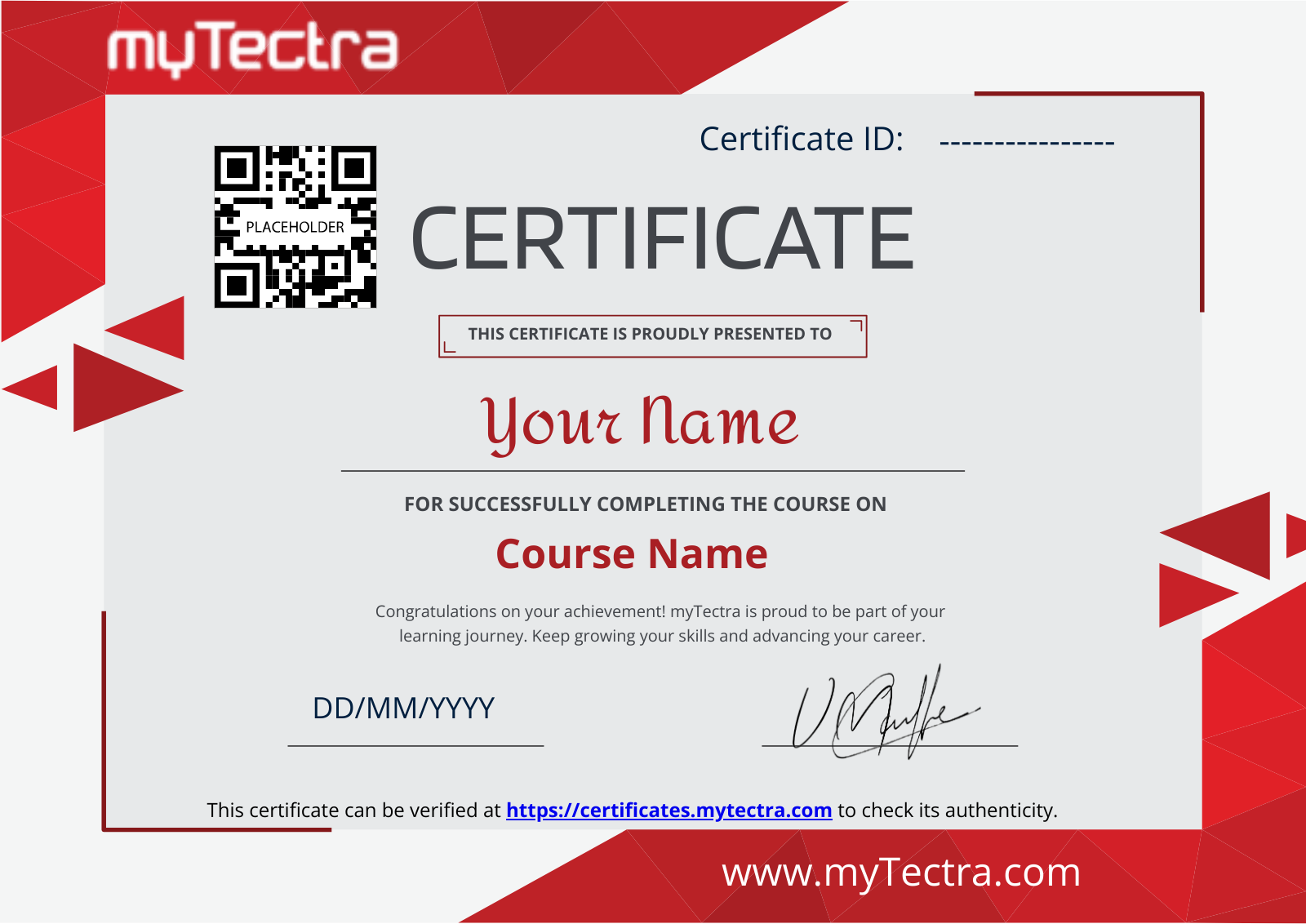
Certification
After completing the course and project, you will receive a recognized certification that validates your expertise and enhances your professional credentials in your chosen field.
Career Support
Access career support services after certification, including resume workshops, interview preparation, and job placement assistance. These resources equip you with the tools needed to transition successfully into the workforce.
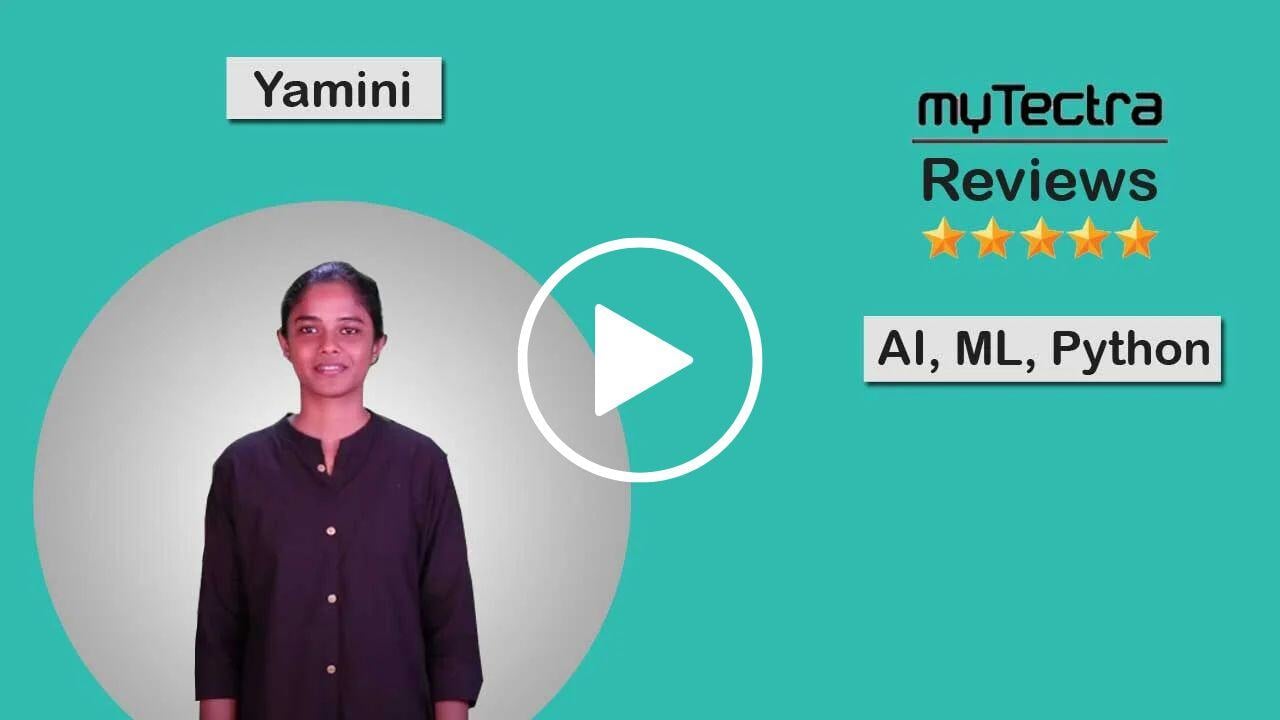
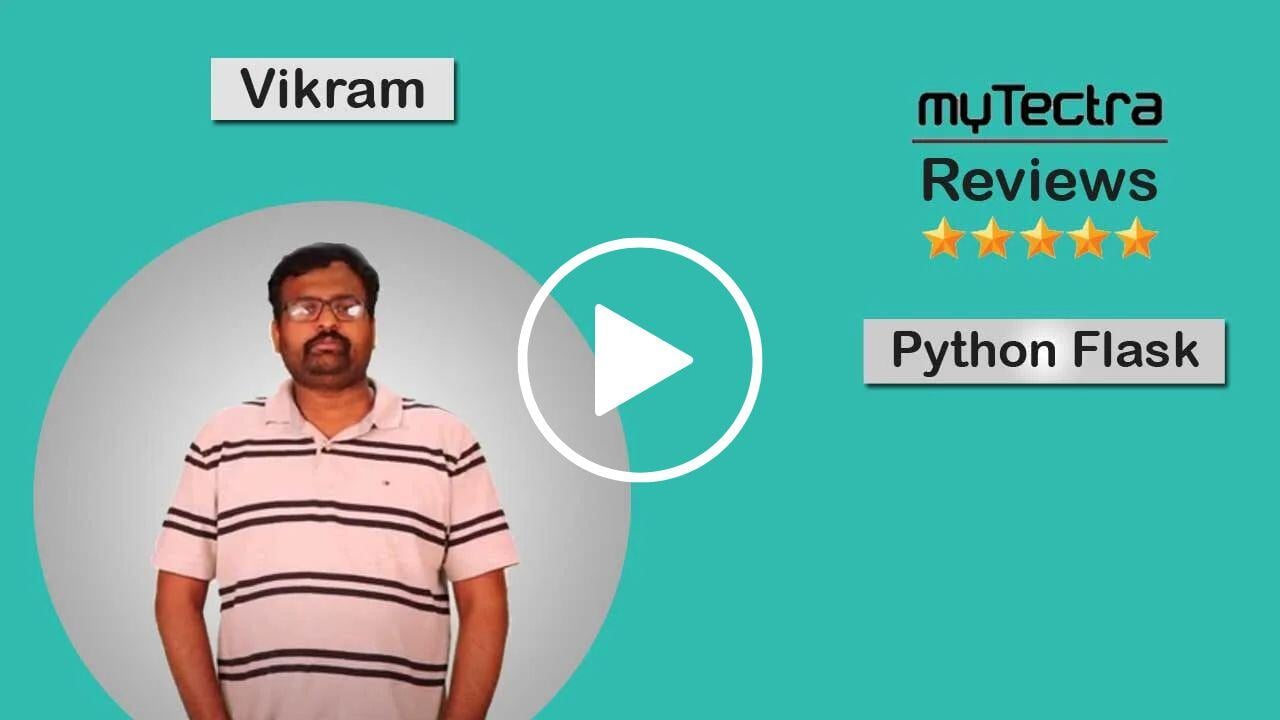
Clients Testimonials
Hear what our students say about myTectra
Hear from Our Successful Learners!
Discover how myTectra transformed their careers—your success story could be next!
Course Features
Expert Trainers
Courses are delivered by experienced working professionals and subject matter experts with real-world experience.
Hands-On Training
We provide learners with practical experience through real-world scenarios, projects, and interactive exercises.
Customizable Corporate Training
Tailored training solutions designed to meet the specific needs of organizations and teams.
Certifications & Assistance
Certifications offered by myTectra align with international standards and we also help you to prepare for globally recognized certifications.
Global Recognition
Trusted by individuals and enterprises worldwide, with a track record of successful alumni and partnerships.
24 x 7 Expert Support
We have a 24x7 online support team to resolve all your technical queries, through a ticket-based tracking system, for a lifetime.
Gain prestigious credentials and recognition
Start Learning Today. Access Your Resources for a Lifetime!
Enjoy lifetime access to myTectra’s Learning Management System (LMS), including session recordings, study materials, and resources. This ensures continuous learning and easy reference to course content even after completion.
Resume Preparation Made Professional and Impactful
Get expert guidance in crafting a professional and impactful resume. myTectra’s resume-building support helps highlight your strengths, certifications, and skills effectively, increasing your chances of landing your dream job.
Prepare for Success with Expert Mock Interviews
Prepare for real-world interviews with personalized mock interview sessions conducted by industry experts. Receive feedback on your performance, learn key interview techniques, and gain the confidence to succeed in job interviews.
FAQs
Would you like to reach us for the training for your team? Please fill the below form. We will get back to as soon as possible.
myTectra is providing 100% placement assistance on our key courses. We help you with the career counselling, Exams on Key courses, Mock Interviews and Technical Interviews Tips.
Landing an interview proves that you have the job-specific skills for the position, but how do your interview skills stack up? Also, Soft skills are often the most important factor in showing you're the best candidate for the job.
Hence we are conducting FREE TRAINING on Soft-Skills worth Rs-25, 000 to all myTectra students which will help you to attend the interviews with more confidence.
You will never miss a lecture at myTectra. You can choose either of the two options:
Classroom Training:
- If you miss one or few classes we can give a backup class based on trainer and your convenient time.
- In case if you miss many classes, we can reschedule your class with upcoming batches or other running batches based on how many courses topics you have completed so far.
Live-Online Training:
- View the recorded session of the class available in your LMS.
- You can attend the missed session, in any other live batch.
Yes. We arrange a free demo for all the courses either in the Classroom or Live-Online demo. Please fill the demo request form below to schedule a free demo.
Just give us a CALL at +918047112411 OR email at support@mytectra.com
- Visa Debit/Credit Card
- American Express and Diners Club Card
- Master Card
- PayPal
- Net Banking/Wire Transfer
- UPI Payment such as Google Pay, PhonePe, Paytm
- Cash/Cheque/DD ( Not for Online Training )
For Individual:
Classroom Training - Bangalore
Live-Online Training - Globally
For Corporates:
Classroom Training - We deliver classroom training for corporate in more than 20 countries. Send us an Enquiry Now!
Online Training - Globally
* All of the classes are conducted live online. They are interactive sessions that enable you to ask questions and participate in discussions during class time. We do, however, provide recordings of each session you attend for your future reference.
Our Trainer’s are chosen not only for their knowledge and expertise but also for their real-time experience in the respective courses.
Master motion graphics design with myTectra’s Cinema 4D and After Effects course!
Related Programs
Career Services
Placement Assistance
Exclusive access to myTectra Job portal
Mock Interview Preparation
Resume & LinkedIn Profile Building
Access to Soft Skill Enhancement
One-on-one career guidance

Related Blogs
Explore Insights and Tips for cinema 4d and after effects

Adobe Muse Unleashed: Secrets to Engaging and Interactive Websites

Mastering Adobe Muse: Essential Tips for Stunning Web Design
Everything You Need to Know About Adobe Muse Training

Find Cinema 4D and After Effects Course in Other Cities
Cinema 4D and After Effects Training in Bangalore
Yes, myTectra offers Classroom Training in Bangalore on Cinema 4D and After Effects and Live-Online Training globally.
Cinema 4D and After Effects Online Training
Yes, myTectra provides Live Online Training on Cinema 4D and After Effects for learners across the globe.
Cinema 4D and After Effects Training in Marathahalli
Yes, myTectra offers Classroom Training in Marathahalli - Bangalore on Cinema 4D and After Effects and Live-Online Training globally.
Best Cinema 4D and After Effects Institute in Bangalore
Yes, myTectra provides the best Classroom Training in Bangalore on Cinema 4D and After Effects and Live-Online Training globally.
Cinema 4D and After Effects Training in BTM
Yes, myTectra offers Classroom Training in BTM Layout 2nd Stage - Bangalore on Cinema 4D and After Effects and Live-Online Training globally.
Professional Cinema 4D and After Effects Training with Certification
Yes, myTectra provides Professional Cinema 4D and After Effects Training in Bangalore with certification, along with Live-Online Training globally, empowering you with creative skills for motion graphics, animation, and visual effects.